The VidMate Snapchat downloader saves public Snapchat videos to your phone or PC: Spotlight clips and the current Story of public creator profiles. Paste the Snapchat link above and get the original MP4 with sound, or just the audio as MP3. No Snapchat account, no app, no notification to the creator.
Quick answer: on a Spotlight tap Share › Copy link → paste above → Download.
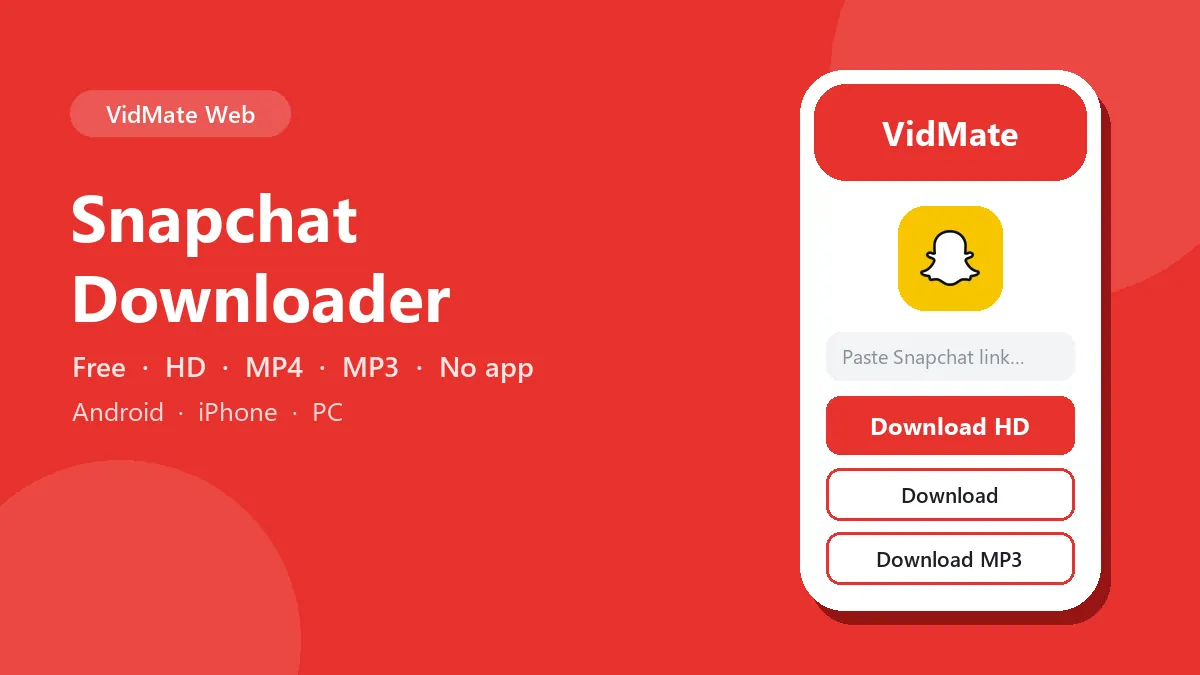
Snapchat Spotlight downloader
Spotlight is Snapchat’s public video feed, and it’s what most people want to save. To download Snapchat Spotlight videos:
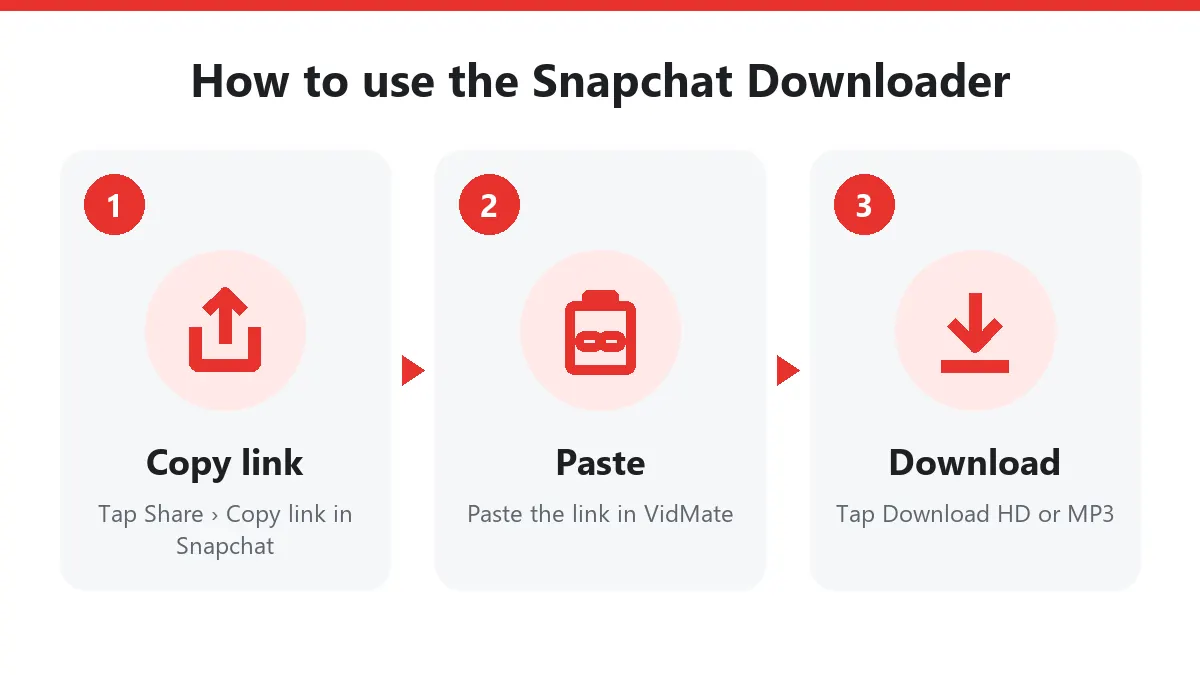
- Open the Spotlight in Snapchat and tap the Share arrow.
- Choose Copy link (scroll the row of share options if you don’t see it).
- Paste the link into this Snapchat Spotlight downloader and tap Download.
- Android saves to Files › Downloads; iPhone saves to Files › Downloads, then Share › Save Video moves it to Photos.
Which Snapchat links work
| Link | Example | Works |
|---|---|---|
| Spotlight | snapchat.com/spotlight/W7_EDl… | Yes |
| Short share link | snapchat.com/t/AbCdEf | Yes |
| Public creator Story | snapchat.com/@username | Yes, the video shown now |
| Private Snap or chat | – | No |
| Memories | – | No, use Snapchat’s own export |
This Snapchat downloader only takes Snapchat links. Paste a TikTok or Instagram link and you’ll be pointed to the right page.
What you get
| Button | File |
|---|---|
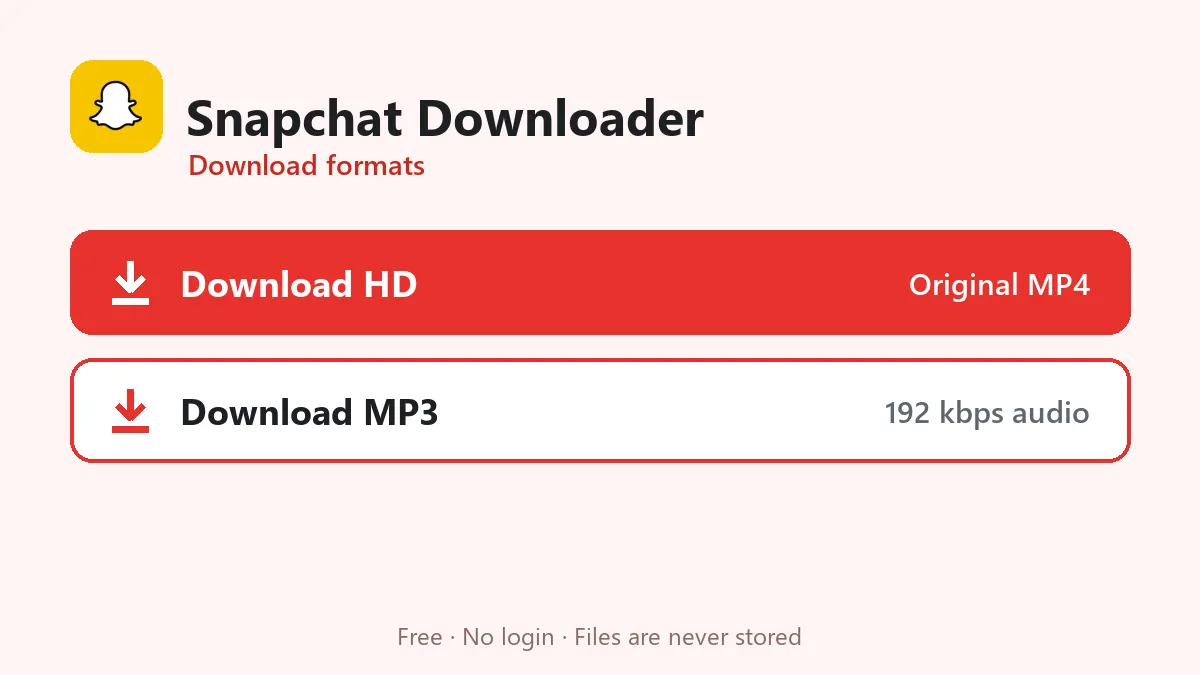
| Download | Original MP4 (usually 720p or 1080p vertical) with sound |
| Download MP3 | Audio only, 192 kbps |
Snapchat keeps one copy of each Spotlight, so there’s a single video button. The file isn’t re-compressed: it’s exactly what Snapchat streams on snapchat.com.
Why use an online Snapchat downloader?
Snapchat has no save button for other people’s Spotlights, and screen recording drops quality and catches notifications. An online Snapchat downloader grabs the original file in a few seconds. Creators use it to back up their own Spotlights before switching phones; small businesses keep a copy of a clip that went viral; friends share funny Spotlights with people who don’t use Snapchat.
Snapchat downloader on PC
On a computer, open the Spotlight on snapchat.com, copy the address bar and paste it here. The MP4 lands in your Downloads folder and plays in any media player or editor.
Problems and fixes
| Message | Reason | Fix |
|---|---|---|
| Private or unavailable | Not public, or removed | Open the link in a private browser window to check |
| No video found | Profile without a current Story | Copy a Spotlight link instead |
| Region blocked | Spotlight limited to some countries | Not fixable from our side |
| Buttons expired | 10-minute limit | Paste the Snapchat link again |
Respect Snapchat creators
Spotlight creators can earn from their views. Credit the creator when you share a downloaded clip, and don’t repost it as your own.
Frequently asked questions
Is this Snapchat downloader free?
Yes. No login, no app and no daily limit.
Can I download Snapchat Spotlight videos?
Yes. This page works as a Snapchat Spotlight downloader: paste any Spotlight link and save the clip as MP4 or MP3.
Can I download private Snaps or friends' Stories?
No. Private Snaps, chats and friends-only Stories never appear on the web, so no Snapchat downloader can reach them.
Will the creator be notified?
No. Snapchat only notifies people about screenshots taken inside the app. Downloading a public Spotlight link sends no notification.
What quality do I get?
The original file Snapchat's web player uses, usually 720×1280 or 1080×1920, with sound.