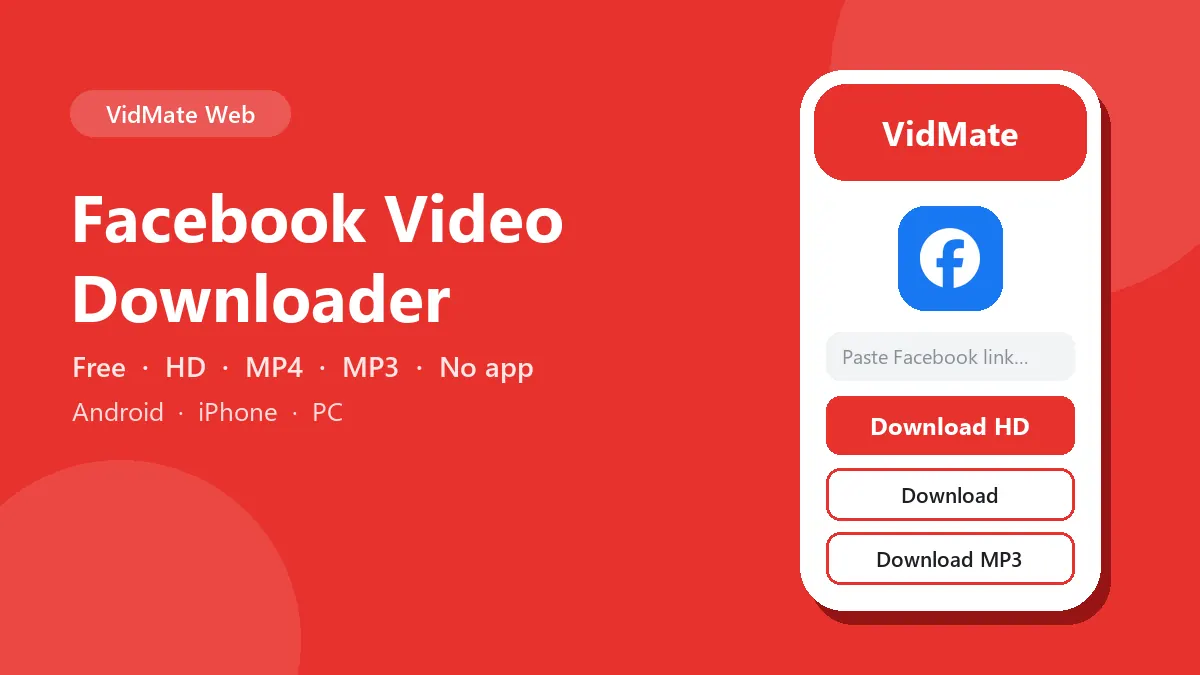
This Facebook video downloader saves public Facebook videos, Reels and Watch videos to your phone or computer. As an FB video downloader it understands full facebook.com links and short fb.watch links, and offers the HD file, the smaller SD file and an MP3 of the sound.
How Facebook stores a video
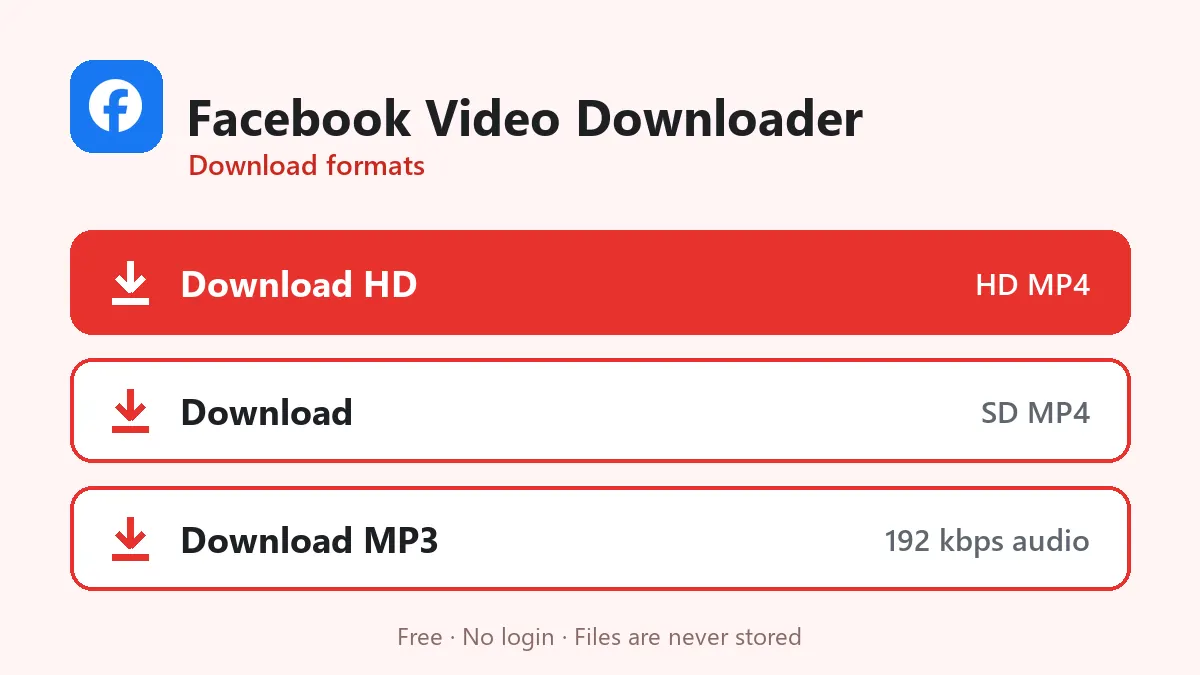
Facebook keeps public videos in two ready-made files, which it labels hd and sd internally. Many Reels also have extra copies split into separate picture and sound streams for the app’s adaptive player. This downloader reads that list and gives you:
- Download HD: the hd file, or the sharpest stream if Facebook only offers split ones. Split streams are joined into a normal MP4 on our server without re-encoding.
- Download: the sd file, smaller and good for sending on WhatsApp.
- Download MP3: just the sound.
Features of this Facebook video downloader
- Facebook HD video download whenever Facebook keeps an HD copy.
- Facebook Reels download with sound, joined into one MP4 when Facebook splits picture and audio.
- fb.watch short links followed automatically.
- MP3 from Facebook videos for speeches, recitations and songs.
- Works in Facebook Lite share links too.
Which links work
| Link type | Example | Works? |
|---|---|---|
| Video page | facebook.com/username/videos/1234567890 | Yes |
| Reel | facebook.com/reel/1195289147628387 | Yes |
| Watch link | facebook.com/watch/?v=… | Yes |
| Short link | fb.watch/abcDEF123/ | Yes |
| Post with a video | facebook.com/…/posts/… | Usually |
| Private group or friends-only post | — | No |
Copying the link
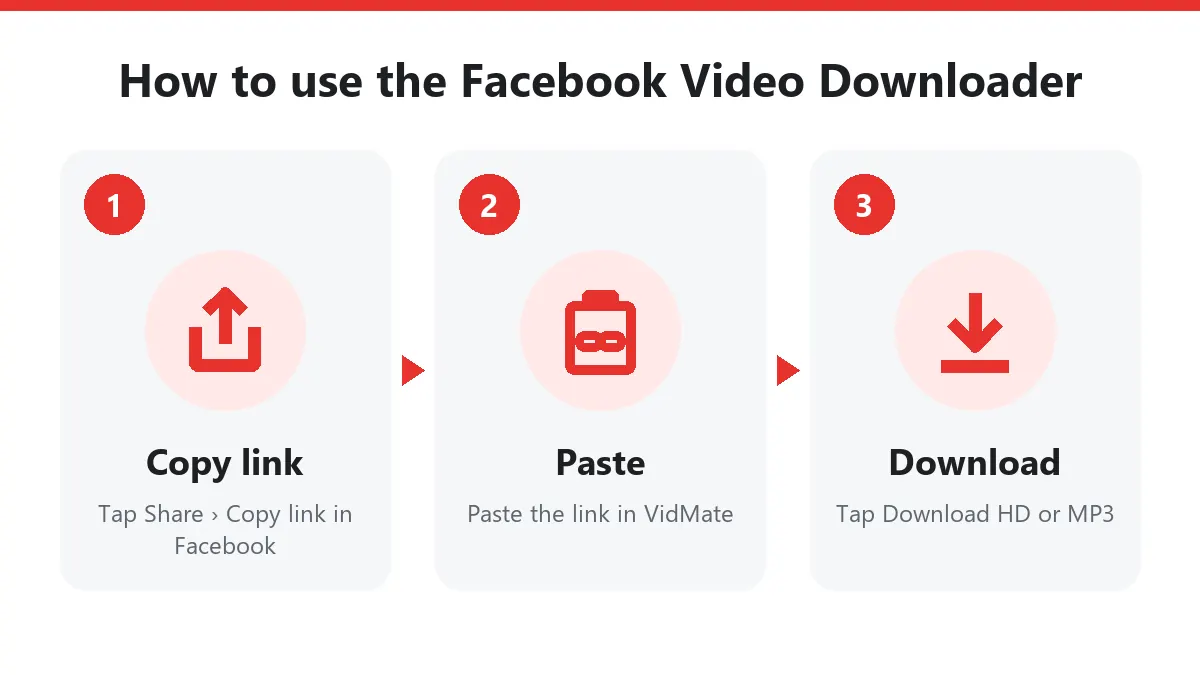
Facebook app: tap the three dots or the Share arrow under the video, then Copy link.
facebook.com in a browser: right-click the video’s date/time stamp and choose Copy link address, or open the video and copy the browser address.
Facebook Lite: tap Share › Copy link; Lite gives you an fb.watch short link, which works fine.
When Facebook says no
If you see “needs a login”, the video is not public, even if you can watch it yourself. Facebook shows videos to logged-in friends that strangers cannot see. Test the link in a private browser window: if Facebook asks you to log in, the downloader cannot reach it either.
Only download videos you own or that the uploader allows you to keep.
Download Facebook videos on any device
On Android: tap Share › Copy link under the video or Reel, open this Facebook video downloader in Chrome, paste and tap Download HD.
On iPhone: paste the link in Safari, download, then open Files › Downloads and choose Share › Save Video.
On a PC: click the video’s timestamp so it opens on its own page, copy the address bar and paste it here.
Download Facebook Reels and fb.watch links
To download Facebook Reels, copy the Reel link from the share menu; it looks like facebook.com/reel/123… or facebook.com/share/r/…. Links sent on WhatsApp usually start with fb.watch; this Facebook downloader follows them to the real video automatically. Remember that some Reels with licensed music play silently outside the Facebook app, so their files have no sound.
Why use an online Facebook video downloader?
Facebook has no download button for most videos. Its own Save option only bookmarks the video inside your account, and it disappears if the owner deletes it. With a Facebook video downloader you keep an actual MP4 on your phone: cricket highlights, lectures, cooking videos or your own uploads from years ago. The SD file is small enough for mobile data; HD is best for a laptop or TV.
Privacy
You don’t log in to Facebook here and we never ask for your account. Only public videos can be downloaded, and no copy of any video is stored on our server.
Frequently asked questions
Can I download videos from private Facebook groups?
No. Only videos that open without logging in can be downloaded. Group, friends-only and Messenger videos need your account, which this site never asks for.
Do fb.watch links work?
Yes. fb.watch is Facebook's short-link service; the server follows it to the real video page.
Why does the MP3 option say the video has no sound?
Some Facebook Reels are published without an audio track, for example when music was removed for copyright. There is nothing to convert in that case.
Can I save Facebook live videos?
Only after the live stream has ended and Facebook has published it as a normal video.
Is the Facebook video downloader free?
Yes. You can download Facebook videos and Reels as often as you like without paying, signing up or installing anything.
Can I download Facebook Reels with this tool?
Yes. Paste the Reel link (facebook.com/reel/…) and the Facebook video downloader returns the HD and SD versions, plus MP3.