This LinkedIn video downloader saves videos from public LinkedIn posts so you can watch them offline or use them in a presentation. Paste the post link; the LinkedIn video download comes as a standard MP4.
Download videos from public LinkedIn posts
Webinars, product demos and short talks posted to LinkedIn are often hard to find again later. This page saves the video from any public post so you can watch it offline or keep it for reference.
Paste the post address, which looks like:
https://www.linkedin.com/posts/name_topic-activity-7151241570371948544-4Gu7
The long number after activity- (or ugcPost-) identifies the post. The text before it is just a readable title and can be anything.
Features of this LinkedIn video downloader
- Download LinkedIn videos from personal and company posts.
- Standard H.264 MP4 that opens in PowerPoint and Keynote.
- LinkedIn to MP3 for webinar audio.
- No LinkedIn login required for public posts.
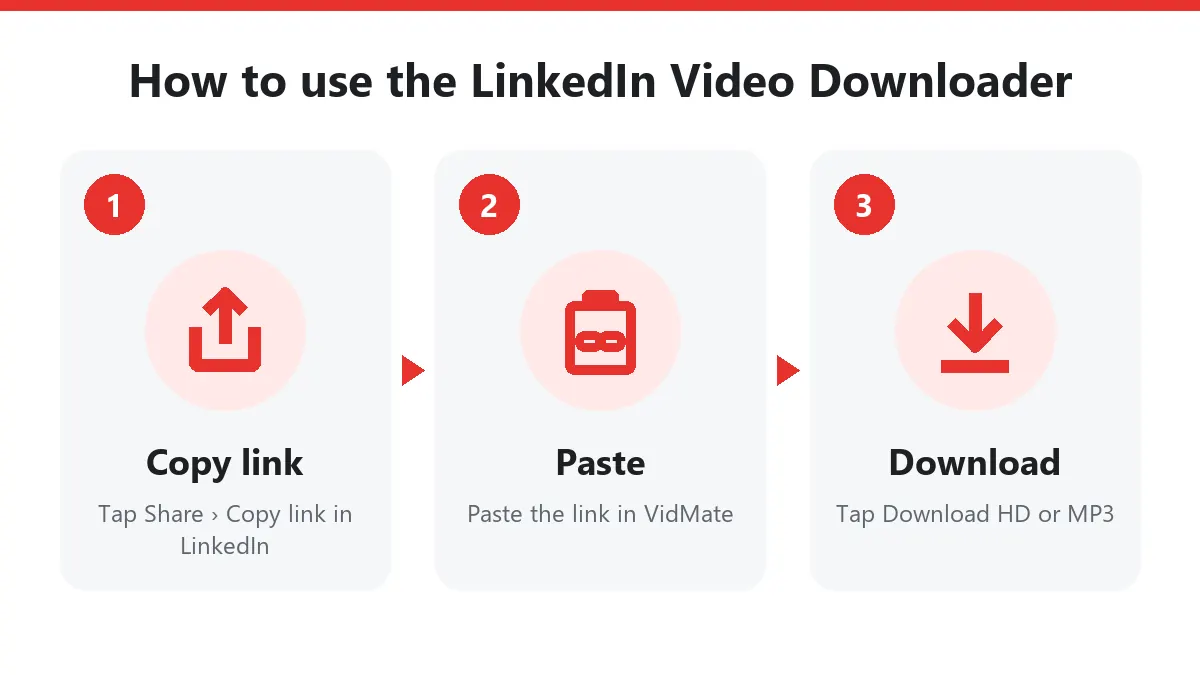
Copying a post link
- Desktop: click the three dots (…) on the post and choose Copy link to post.
- App: tap Share under the post, then Copy link.
What works and what doesn’t
| Content | Supported |
|---|---|
| Video in a public post | Yes |
| Video in a company page post | Yes |
| Posts visible only to connections | No |
| LinkedIn Learning and Events | No |
| Documents (PDF carousels) | No, video only |
Tips for presentations
If you want to show a LinkedIn video in a meeting without relying on Wi-Fi, download it here and play it from your laptop. LinkedIn videos are standard H.264 MP4 files and open in PowerPoint, Keynote and every media player.
Ask the poster before you re-share their video outside LinkedIn.
Download LinkedIn videos step by step
- On the post tap ⋯ › Copy link to post.
- Paste the link into this LinkedIn video downloader.
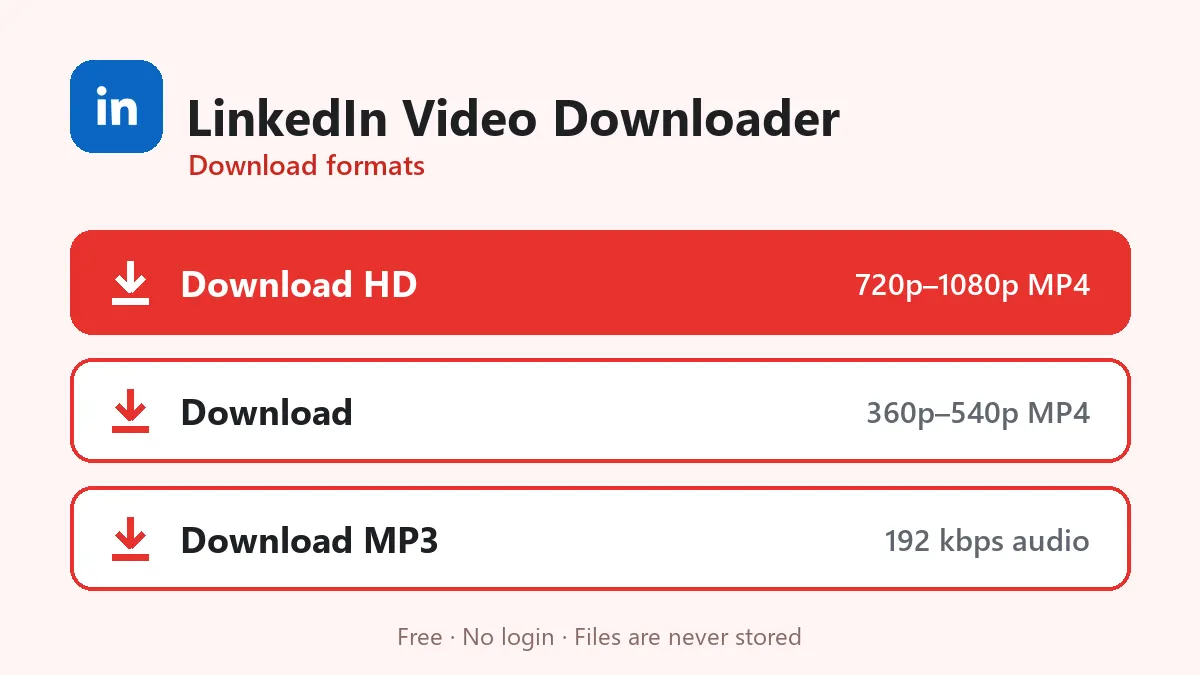
- Tap Download HD to save LinkedIn video files as MP4, or choose MP3 for audio.
On iPhone open Files › Downloads afterwards; on a PC the file lands in your Downloads folder.
Which LinkedIn post video links work
Any public LinkedIn post video link with an activity or ugcPost number works, for example linkedin.com/posts/name_topic-activity-72… or linkedin.com/feed/update/urn:li:activity:72…. Company pages and creators who post publicly are supported.
LinkedIn MP4 for slides and training
The LinkedIn video downloader gives you a standard LinkedIn MP4 that drops straight into PowerPoint or Google Slides: Insert › Video › This Device. Teams use it to show product demos in meetings, trainers to keep conference talks, and job seekers to save their own posts as a portfolio.
A LinkedIn downloader without login
This LinkedIn downloader never asks for your LinkedIn account, and authors aren’t notified. Credit the company or speaker when you reuse a clip.
Frequently asked questions
Do I need to be logged in to LinkedIn?
No, as long as the post is public. Posts shared only with connections cannot be reached.
Can I download LinkedIn Learning courses?
No. LinkedIn Learning is paid content behind a login and is not supported.
Why is there only one quality?
LinkedIn usually stores one MP4 per post video, so the single HD button gives you that file.
Is the LinkedIn video downloader free?
Yes. Download LinkedIn videos from public posts without paying, signing in or installing an extension.
Can I save LinkedIn videos from Connections-only posts?
No. Only posts visible to everyone can be reached by the LinkedIn video downloader.