YouTube to MP4 in one step: paste a YouTube link above and VidMate turns it into an MP4 file you keep, in 1080p Full HD or a lighter 480p. It’s a free online YouTube to MP4 converter that runs in your browser on Android, iPhone and PC. No software, no extension and no login.
Quick answer: in YouTube tap Share › Copy link → paste above → Download → Download HD (1080p MP4).
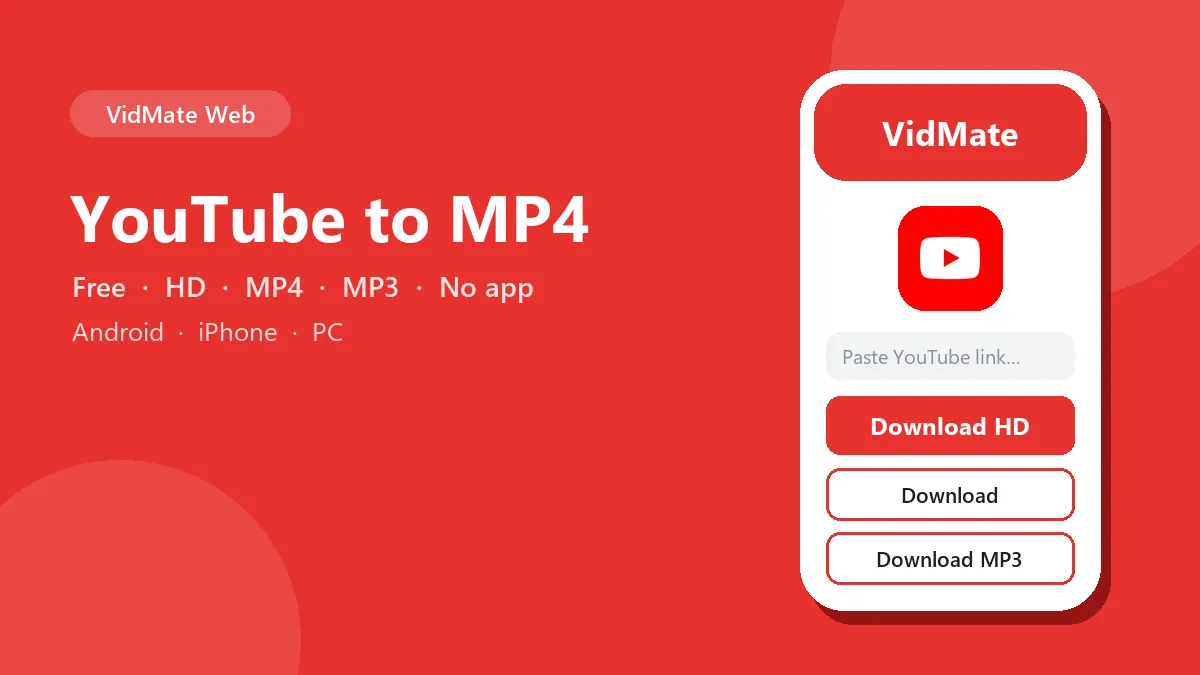
How to convert YouTube to MP4
- Copy the video link. In the YouTube app tap Share › Copy link. On a computer, copy the address bar on youtube.com.
- Paste it into the box at the top of this page and press Download.
- Choose the MP4. Download HD saves the 1080p MP4; Download saves a 480p MP4 about four times smaller.
- Find the file in Downloads. On iPhone open Files › Downloads and use Share › Save Video to put it in Photos.
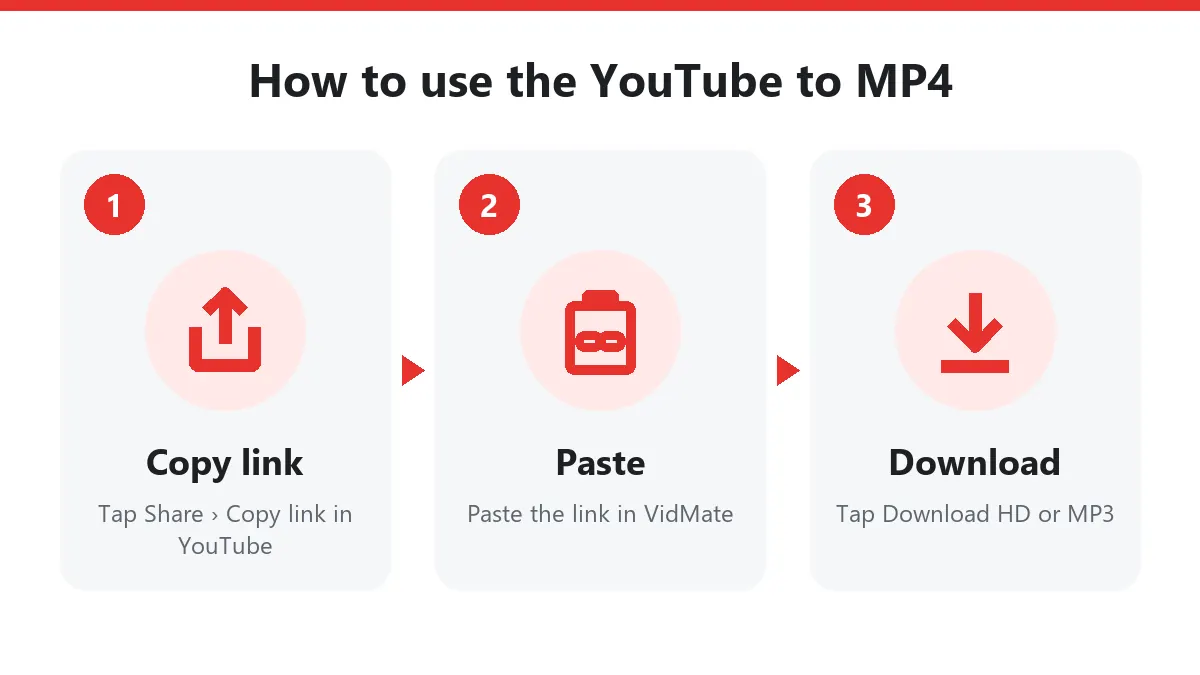
Download YouTube videos in 1080p
YouTube keeps many separate streams for every video. For the MP4, VidMate picks the best H.264 picture up to 1080p and the AAC sound track, then merges them into one MP4 while it streams to you. Nothing is re-encoded, so the 1080p MP4 has exactly the quality YouTube plays.
| Video (length) | 1080p MP4 | 480p MP4 |
|---|---|---|
| Music video (3:32) | 42 MB | 10 MB |
| Music video (4:12) | 109 MB | 20 MB |
| 10-minute vlog | 150–250 MB | 30–50 MB |
| 1-hour lecture | 1–2 GB | 250–400 MB |
Older uploads may only exist in 720p or 360p. In that case the HD button gives the highest version available; the YouTube to MP4 converter never upscales.
Why MP4 and not WebM?
Many YouTube converters hand you WebM, VP9 or AV1 files. They look fine on a new laptop but fail on older phones, smart TVs, car screens and WhatsApp. This YouTube to MP4 tool always gives MP4 with H.264 and AAC, the most compatible video format there is. You can open it in CapCut, InShot, VN, Premiere, iMovie or PowerPoint without converting again.
YouTube links you can convert
- Normal links:
youtube.com/watch?v=… - App share links:
youtu.be/…?si=… - Shorts:
youtube.com/shorts/…(vertical MP4, see the YouTube Shorts downloader) - Mobile links:
m.youtube.com/… - Videos inside a playlist:
…watch?v=…&list=…(just that video) - Finished live streams:
youtube.com/live/…
Channel pages and whole playlists aren’t converted; paste one video at a time.
YouTube to MP4 on every device
Android: Chrome saves the MP4 to Files › Downloads, and it appears in your gallery.
iPhone and iPad: Safari saves it to Files › Downloads. Tap the file, then Share › Save Video to move it to Photos.
Windows and Mac: the MP4 lands in your Downloads folder and plays in the built-in player, VLC or any editor.
Want the converter on your home screen? Install VidMate as an app from the VidMate APK page.
Need audio instead?
The same result shows Download MP3, which saves only the sound at 192 kbps. For more about YouTube formats, see the YouTube video downloader page.
Troubleshooting YouTube to MP4
| What you see | Why | Fix |
|---|---|---|
| “Private or needs a login” | Private, members-only or age-restricted | Only public videos convert |
| “Paste one YouTube video” | Channel or playlist link | Open a video and copy its link |
| Download starts without a size | The MP4 is merged live | Normal; let it finish |
| Live stream refused | Still live | Convert it after the stream ends |
| Buttons stopped working | Links expire after 10 minutes | Paste the YouTube link again |
Fair use
Convert your own uploads, Creative Commons videos, or videos you have permission to keep offline. Don’t re-upload other people’s work, and support the channels you enjoy on YouTube.
Frequently asked questions
Is this YouTube to MP4 converter free?
Yes. No sign-up, no app and no daily limit.
Can I download YouTube videos in 1080p?
Yes. Download HD gives a 1080p MP4 whenever the video was uploaded in 1080p or higher.
Does the MP4 have sound?
Yes. YouTube stores picture and sound separately; the converter merges them into one MP4 with AAC audio.
Will the MP4 play on my phone and TV?
Yes. The file uses H.264 video and AAC audio, which every phone, smart TV, car screen and video editor supports.
Why is there no 4K MP4?
YouTube only offers 1440p and 4K as VP9 or AV1, which many devices can't play. 1080p H.264 plays everywhere.
Can I convert YouTube Shorts to MP4?
Yes. Paste the Shorts link and you get a vertical MP4.
How long can the video be?
There's no length limit. A one-hour 1080p video is roughly 1–2 GB, so use Wi-Fi or pick the 480p MP4.