Need a LinkedIn video for a presentation, training or offline viewing? Paste the post link above to download LinkedIn videos as MP4, or save just the audio as MP3. It works with public posts from people, company pages and creators, with no LinkedIn login.
Quick answer: on the post tap ⋯ › Copy link to post → paste above → Download → Download HD.
How to save a LinkedIn video
On your phone
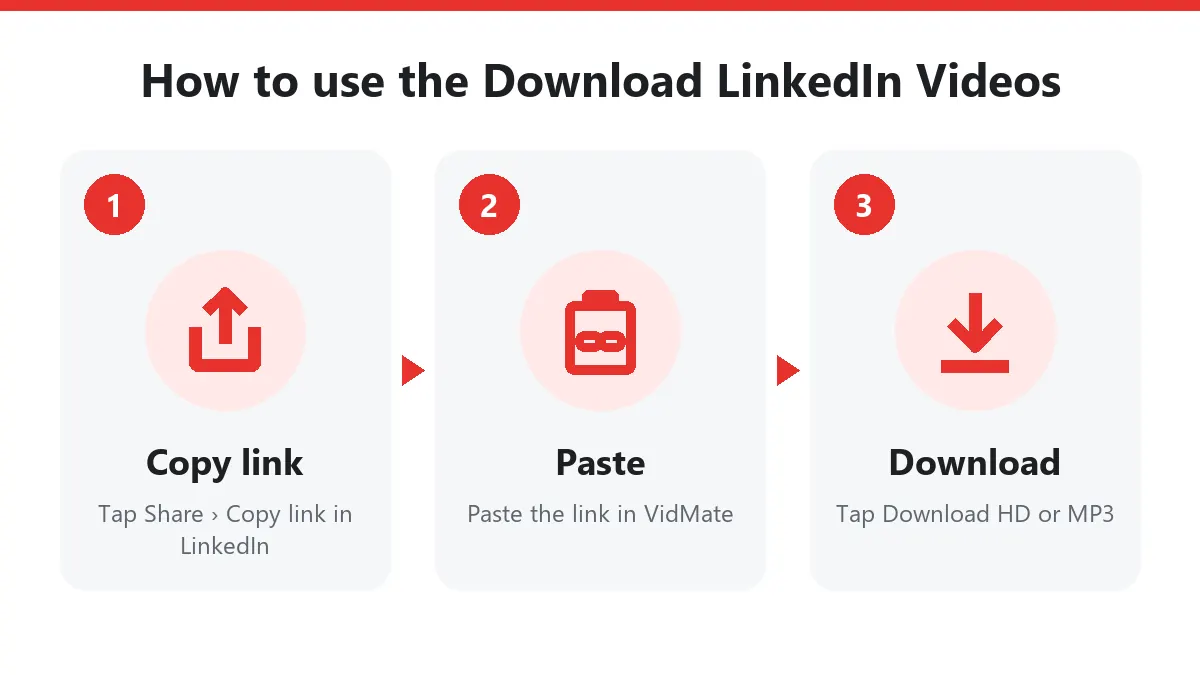
- Open the post in the LinkedIn app.
- Tap ⋯ (top right of the post) or Send/Share, then Copy link to post.
- Open this page in your browser, paste the link and tap Download.
- Choose Download HD. Android saves to Files › Downloads; on iPhone open Files › Downloads and use Share › Save Video.
On your computer
Click ⋯ › Copy link to post on the post, or click its timestamp so it opens on its own page and copy the address bar. Paste it here and click Download HD to save the LinkedIn video to your Downloads folder.
Which LinkedIn links work
LinkedIn identifies posts with an activity or ugcPost number. Any link containing one works:
| Link | Example |
|---|---|
| Share link | linkedin.com/posts/name_topic-activity-72… |
| Feed update | linkedin.com/feed/update/urn:li:activity:72… |
| UGC post | linkedin.com/feed/update/urn:li:ugcPost:72… |
Profile, company and job links don’t point to a single video, so they won’t work.
Formats
| Button | File | Good for |
|---|---|---|
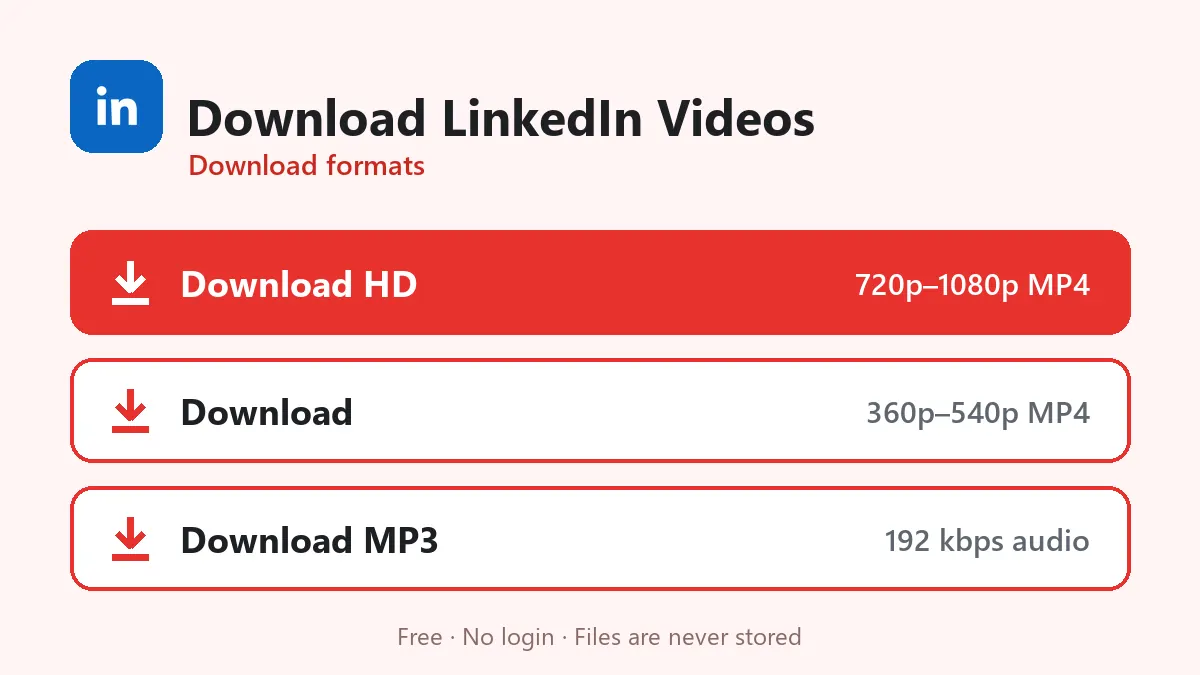
| Download HD | MP4, usually 720p or 1080p | Slides, big screens, editing |
| Download | Smaller MP4 | Email, chat |
| Download MP3 | 192 kbps audio | Talks and panels you only need to hear |
Use a downloaded LinkedIn video in slides
- Download the HD MP4.
- PowerPoint: Insert › Video › This Device. Google Slides: upload the MP4 to Drive, then Insert › Video › Google Drive.
- Trim it inside the slide app if you need only part.
- Add a credit line such as “Video: Company name on LinkedIn”.
Why download LinkedIn videos?
LinkedIn has no download button, and a great demo or keynote clip is hard to find again in the feed. Teams download LinkedIn videos to show product demos in meetings, trainers keep conference talks for workshops, and job seekers save their own posts as a portfolio.
Troubleshooting
| Message | Cause | Fix |
|---|---|---|
| Private or unavailable | Connections-only or deleted post | Ask the author for the file |
| No video found | Post has images or a document | Pick a post with a video |
| Link without activity number | Profile or company link | Open the post itself and copy its link |
| Buttons expired | 10-minute limit | Paste the post link again |
For more details on LinkedIn formats, see the LinkedIn video downloader. Credit the author whenever you reuse their video.
Frequently asked questions
How do I download LinkedIn videos?
On the post tap ⋯ › Copy link to post, paste it above, press Download and choose Download HD.
Can I save a LinkedIn video from a private post?
No. Only posts visible to everyone can be downloaded; Connections-only posts need a login.
Can I download LinkedIn Learning videos?
No. LinkedIn Learning is paid, protected content. Only videos in normal public posts work.
What format is the downloaded LinkedIn video?
A standard MP4, usually 720p or 1080p, that works in PowerPoint, Google Slides and every video player.
Does the author know I saved their video?
No. LinkedIn doesn't notify anyone, and you never sign in.