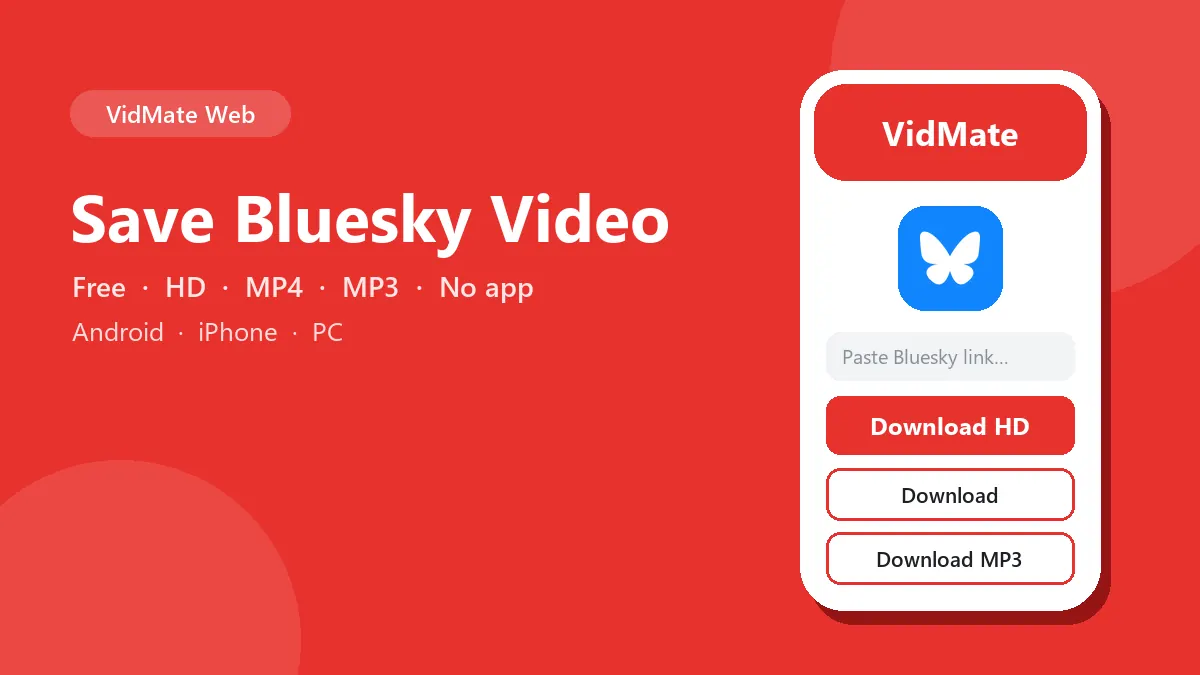
Bluesky has no download button, but you can still save a Bluesky video in a few seconds. Paste the post link above and get the video as a 1080p MP4 with sound, or just the audio as MP3. You don’t need an account, your handle or an app password.
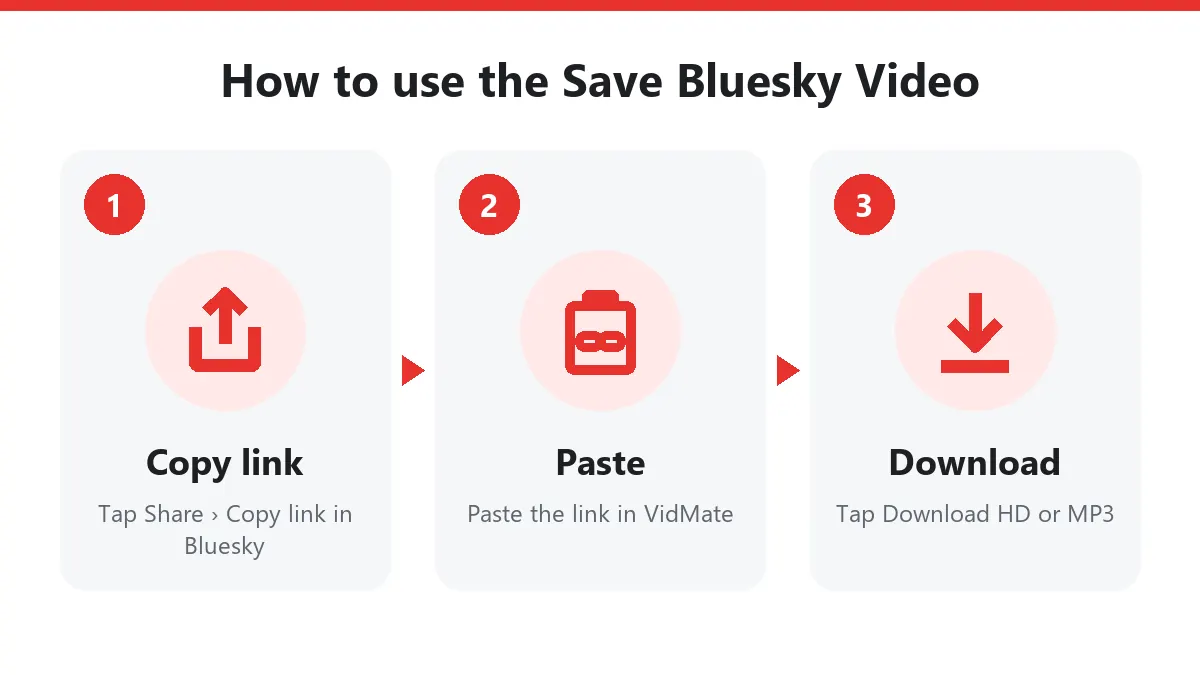
Quick answer: on the post tap Share › Copy link to post → paste above → Download → Download HD.
Save a Bluesky video step by step
- Open the post with the video in the Bluesky app or on bsky.app.
- Tap the Share icon (or ⋯), then Copy link to post.
- Paste the link into the box above and press Download.
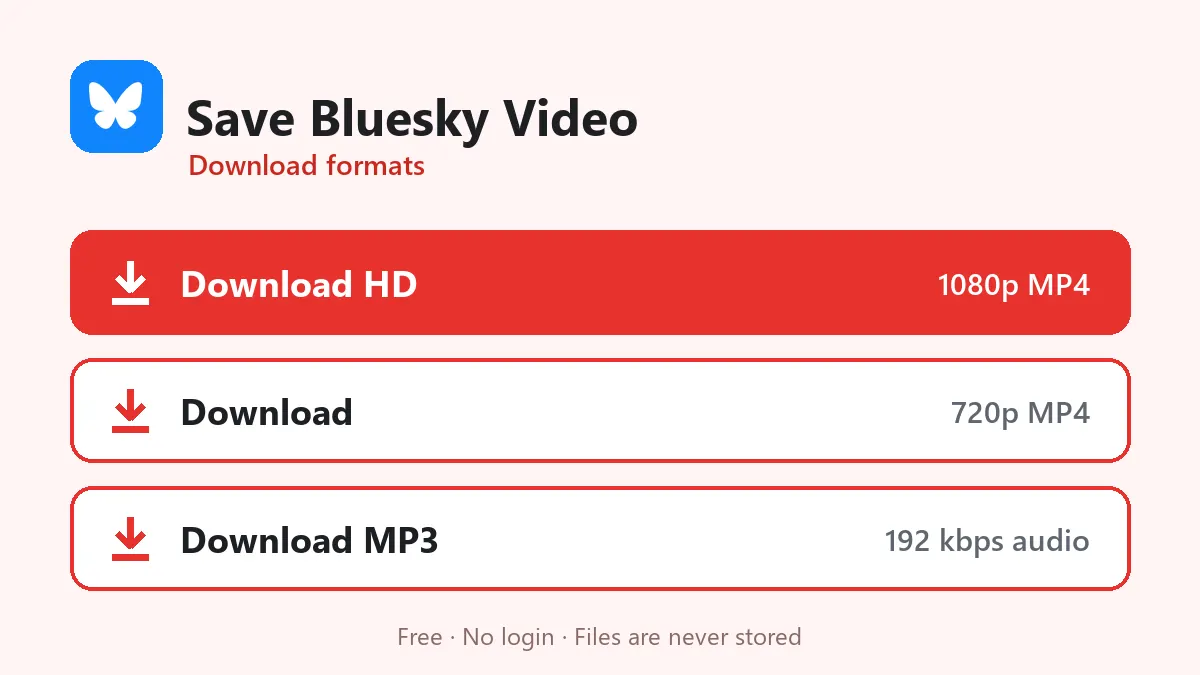
- Choose Download HD for 1080p or Download for a smaller file.
- On iPhone, open Files › Downloads and tap Share › Save Video to move it to Photos. On Android it’s in Files › Downloads.
What happens when you save a Bluesky video
Bluesky streams uploaded videos as HLS: many short segments at two quality levels (usually 1080p and 720p). VidMate reads the public post through Bluesky’s open API, takes the level you choose and joins the segments into one MP4. The picture isn’t re-encoded, so the saved video looks exactly like it does on Bluesky.
Links that work
| Link | Works |
|---|---|
| bsky.app/profile/name.bsky.social/post/3k… | Yes |
| bsky.app/profile/custom.domain/post/3k… | Yes |
| bsky.app/profile/did:plc:…/post/3k… | Yes |
| A profile or feed link | No, open the post |
Keep your account safe
Some tools ask for your handle and app password to “unlock” downloads. An app password lets a service read and post as you, so don’t share it. To save a Bluesky video you only need the public post link.
Who saves Bluesky videos?
- Journalists and researchers archiving clips with the original post link as the source.
- Creators backing up their own uploads.
- People moving between networks who repost their own videos elsewhere.
Problems and fixes
| Message | Cause | Fix |
|---|---|---|
| No video found | Post has images, a link card or a Tenor GIF | Choose a post with an uploaded video |
| Unavailable | Deleted, or hidden from logged-out users | Check it opens in a private window |
| Profile link refused | Not a single post | Copy the post’s own link |
| Buttons expired | 10-minute limit | Paste the link again |
More Bluesky details are on the Bluesky video downloader page. Credit the author’s handle when you share a saved video.
Frequently asked questions
How do I save a Bluesky video?
Tap Share › Copy link to post on the video, paste the link above, press Download and choose Download HD.
Does Bluesky have a download button?
No. Bluesky doesn't offer one for videos, so a downloader like this is the easiest way to save a Bluesky video.
Do I need my app password?
No. Public posts need no login. Never give your Bluesky app password to any downloader.
What quality is the saved video?
Up to 1080p MP4 with sound, the largest version Bluesky keeps.
Can I save videos from posts hidden to logged-out users?
No. If the author hides posts from logged-out visitors, they can't be downloaded.