The VidMate Twitch downloader saves Twitch clips as MP4 files in the stream’s own quality, very often 1080p at 60 fps, or as MP3. Paste a clips.twitch.tv link or a clip link from a channel page above and press Download. No Twitch login, no browser extension.
Quick answer: under the clip choose Share › Copy link → paste above → Download HD.
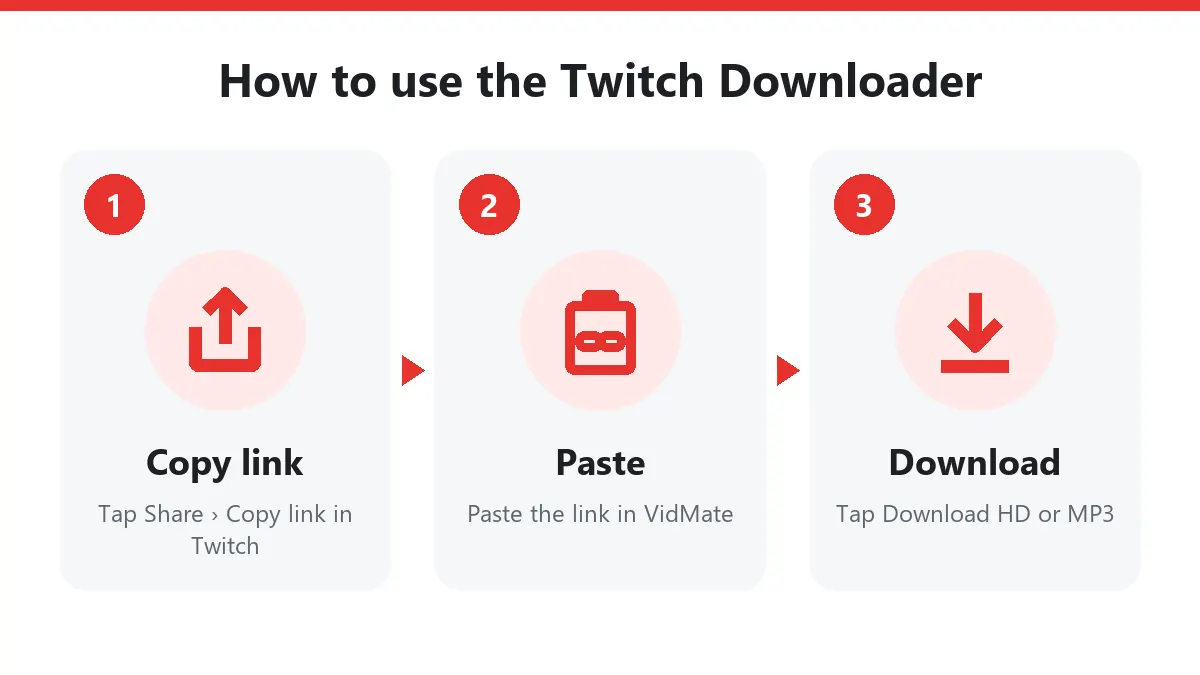
How to use the Twitch downloader
- Find the clip. On twitch.tv open the channel’s Clips tab, or open a clip someone shared on Discord or X.
- Copy its link. Click Share › Copy link, or copy the address bar.
- Paste it here and press Download.
- Pick a file: Download HD for full quality, Download for a smaller copy, Download MP3 for audio.
Clips yes, VODs no
Twitch has live streams, past broadcasts (VODs) and clips. This Twitch downloader handles clips, the short moments (up to 60 seconds) that viewers and streamers cut from a broadcast. Live streams have no file to save, and VODs are hours long and often subscriber-only. If you need a moment from a VOD, press Clip on Twitch while watching it, then paste that clip link here.
Twitch downloads in 1080p60
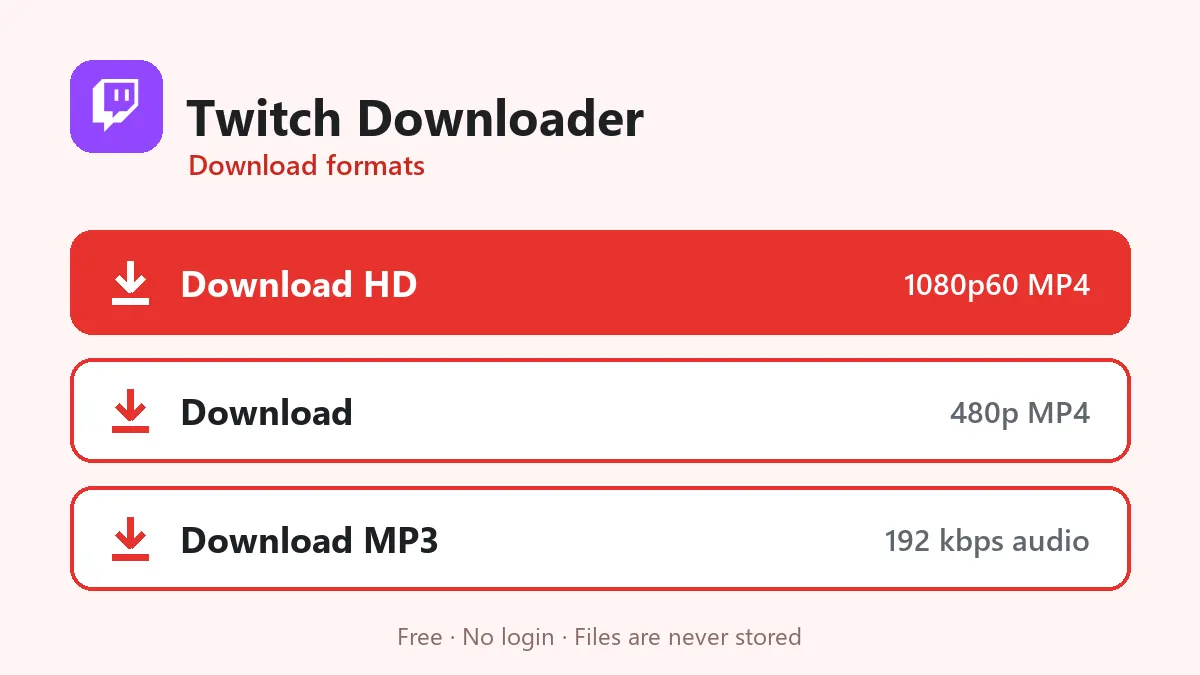
A clip keeps the resolution and frame rate of the stream it came from:
| Button | Typical file | 30-second clip |
|---|---|---|
| Download HD | 1080p60 MP4 (or 720p60 / 936p) | 20–35 MB |
| Download | 480p30 or 360p30 MP4 | 5–10 MB |
| Download MP3 | 192 kbps audio | about 0.7 MB |
60 fps matters for games: fast turns and action stay smooth instead of choppy. The MP4 opens in CapCut, Premiere, DaVinci Resolve and every phone gallery.
Who uses a Twitch downloader?
- Streamers turning their best moments into TikToks, Reels and YouTube Shorts.
- Clip editors building highlight videos with the streamer’s permission.
- Viewers keeping a legendary moment before it gets deleted.
Supported Twitch links
| Link | Works |
|---|---|
| clips.twitch.tv/ClipName | Yes |
| twitch.tv/streamer/clip/ClipName | Yes |
| m.twitch.tv/streamer/clip/ClipName | Yes |
| twitch.tv/videos/123456789 (VOD) | No |
| twitch.tv/streamer (channel) | No |
Troubleshooting
| Message | Why | Fix |
|---|---|---|
| Unavailable | Clip deleted by the streamer or a mod | Nothing to download |
| VOD link refused | Only clips are supported | Make a clip from the VOD first |
| Too many requests | Twitch slowed our server | Wait a minute |
| Buttons expired | 10-minute limit | Paste the clip link again |
Clip etiquette
The streamer owns the broadcast. When you post a clip from this Twitch downloader, credit and link the channel. Most streamers love clips that bring new viewers, as long as they get the credit.
Frequently asked questions
Is this Twitch downloader free?
Yes. No Twitch account, no extension and no daily limit.
Can the Twitch downloader save full streams (VODs)?
No. It downloads clips. To save a moment from a VOD, create a clip on Twitch first, then paste the clip link here.
What quality are Twitch downloads?
The quality of the original broadcast, often 1080p at 60 frames per second.
Do clip links from Discord work?
Yes. clips.twitch.tv links and twitch.tv/channel/clip/ links work wherever you copied them.
Can I download Twitch clips on my phone?
Yes. Copy the clip link in the Twitch app, paste it here in Chrome or Safari and tap Download HD.