Want the sharpest copy of a YouTube video? Paste the link above to download YouTube videos in 1080p Full HD as an MP4 with sound. It’s free, it works in the browser on Android, iPhone and PC, and there’s no app, extension or login.
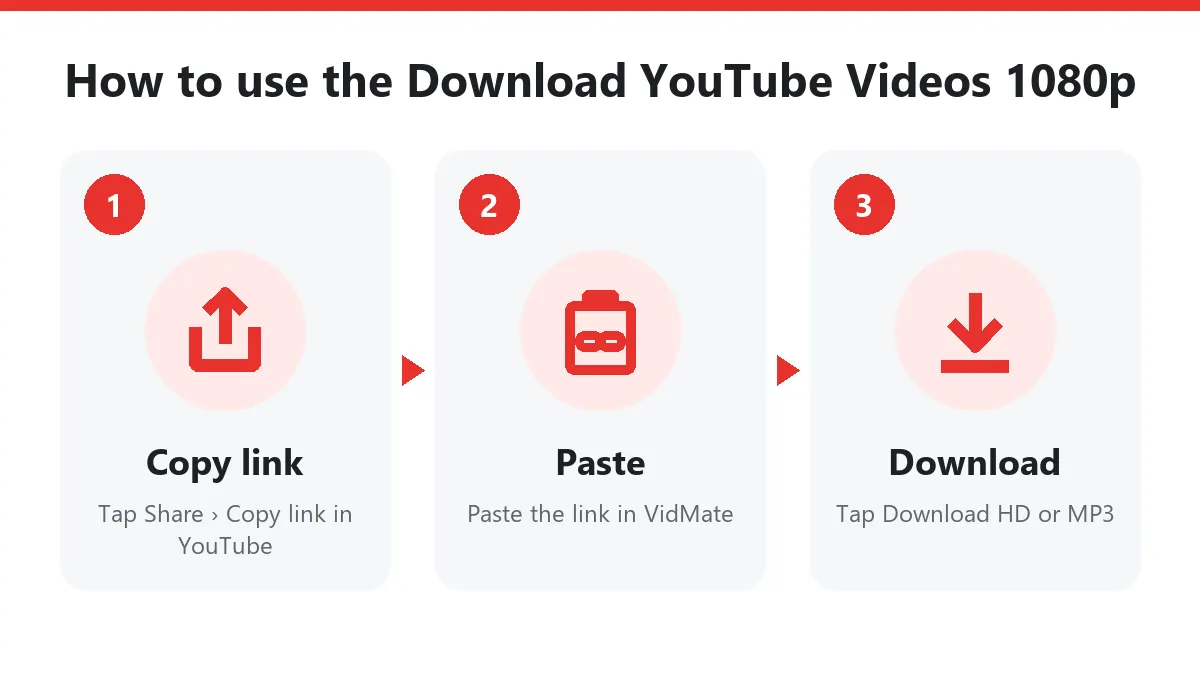
Quick answer: Share › Copy link in YouTube → paste above → Download → Download HD (1080p).
Download YouTube videos 1080p in four steps
- Check the quality. On YouTube, open the gear menu: if you see 1080p (or higher), a 1080p download is available.
- Copy the link with Share › Copy link, or from the address bar on a computer.
- Paste it into the box above and press Download.
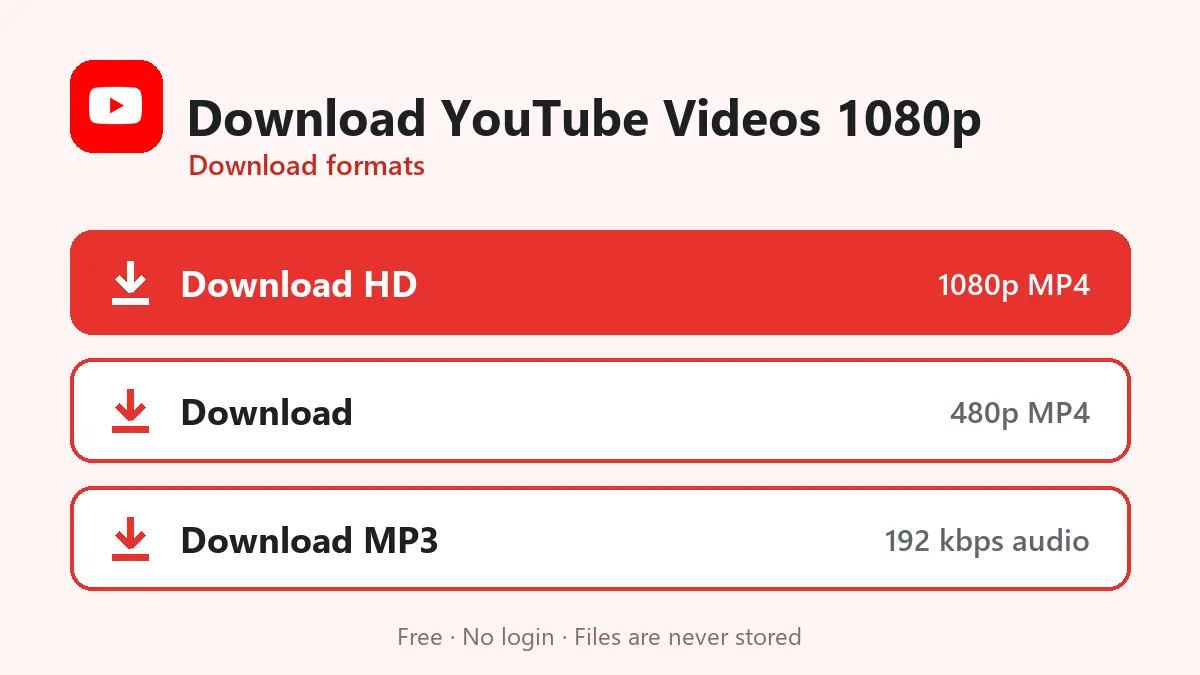
- Tap Download HD. The button shows 1080p next to it when you’re getting Full HD.
How a 1080p YouTube download is made
YouTube doesn’t keep a ready 1080p MP4. At 1080p it stores the picture and the sound as two separate streams. VidMate takes the 1080p H.264 picture and the AAC sound, merges them into one MP4 while it sends the file, and changes nothing about the image. The result is a 1080p file that looks exactly like YouTube at 1080p, and plays everywhere.
How big is a 1080p download?
| Video | 1080p MP4 | 480p MP4 (Normal button) |
|---|---|---|
| 3:32 music video | 42 MB | 10 MB |
| 4:12 music video | 109 MB | 20 MB |
| 10-minute vlog | 150–250 MB | 30–50 MB |
| 1-hour lecture | 1–2 GB | 250–400 MB |
Fast-moving videos (sports, gaming, music videos with effects) are bigger than talking-head videos at the same resolution. On mobile data, consider the 480p file; on Wi-Fi, 1080p is the best choice for TVs and laptops.
1080p vs 4K: why we stop at 1080p
YouTube offers 1440p and 4K only in VP9 or AV1. Many Android phones, older iPhones, smart TVs, car screens and WhatsApp can’t play those codecs, or play them with stutter. 1080p H.264 is the highest quality that plays smoothly on practically every screen, so that’s the top download here.
Download YouTube videos in 1080p on any device
- Android: Chrome saves to Files › Downloads; the video also shows in your gallery.
- iPhone/iPad: Safari saves to Files › Downloads; use Share › Save Video to put it in Photos.
- Windows/Mac: the MP4 lands in Downloads and plays in the built-in player or VLC.
Other options: YouTube to MP4 explains every MP4 size, and the YouTube Shorts downloader saves vertical Shorts.
When you don’t get 1080p
| What you see | Reason | What to do |
|---|---|---|
| HD button says 720p | No 1080p version exists | That’s the maximum for this video |
| HD button says 360p | Very old upload | Nothing higher exists |
| Private or needs a login | Private or age-restricted | Only public videos work |
| No size during download | The 1080p MP4 is merged live | Normal; let it finish |
Fair use
Download your own videos, Creative Commons content, or videos you have permission to keep offline. Support the channels you enjoy by watching and subscribing on YouTube.
Frequently asked questions
How do I download YouTube videos in 1080p?
Copy the video link in YouTube, paste it above, press Download and tap Download HD. The button shows 1080p when the video has it.
Why does my video download in 720p, not 1080p?
The uploader only published 720p. Check the gear menu on YouTube: if 1080p isn't listed there, it doesn't exist for that video.
Is the 1080p file an MP4 with sound?
Yes. 1080p H.264 video and AAC sound in one MP4 that plays on every device.
Can I download YouTube videos in 4K?
No. YouTube only serves 1440p and 4K as VP9 or AV1, which many devices can't play. 1080p is the highest universally playable quality.
How big is a 1080p YouTube video?
Roughly 10–25 MB per minute, depending on how much movement is in the video.