The VidMate YouTube video downloader saves any public YouTube video to your phone or computer as a 1080p MP4, a lighter 480p MP4 or an MP3. Paste a link from the YouTube app, youtube.com, a youtu.be short link or a YouTube Shorts link into the box above and press Download. There’s no app to install, no login and no limit per day.
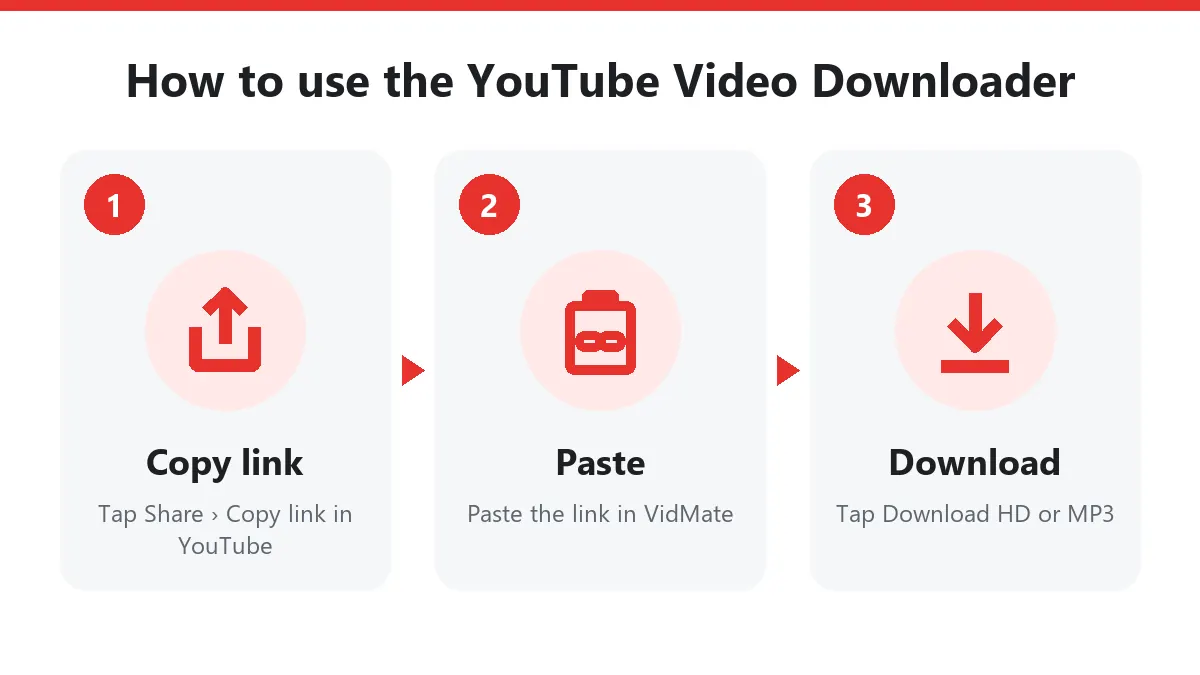
Quick answer: in YouTube tap Share › Copy link → paste it above → Download → Download HD.
What you get from the YouTube video downloader
YouTube stores every video in many separate streams: picture-only streams in several sizes and codecs, plus sound-only streams. The YouTube video downloader picks the best picture and the best sound and joins them into one normal MP4 while it sends the file to you. Nothing is re-encoded, so the picture is exactly what YouTube streams.
We tested a few popular videos to show real sizes:
| Video (length) | Download HD | Download (normal) | Download MP3 |
|---|---|---|---|
| Music video, 3:32 | 1080p, 42 MB | 480p, 10 MB | 5 MB |
| Music video, 4:12 | 1080p, 109 MB | 480p, 20 MB | 6 MB |
| Shorts clip | up to 1080×1920 | smaller vertical copy | small MP3 |
The HD file is H.264 video with AAC sound. That combination plays on every Android phone, iPhone, smart TV, car screen and in CapCut, InShot or Premiere without conversion.
Download YouTube videos on Android, iPhone and PC
Android: open the video in the YouTube app, tap Share › Copy link, open this YouTube video downloader in Chrome, paste and tap Download HD. The file appears in Files › Downloads and in your gallery.
iPhone and iPad: paste the link in Safari and tap Download HD. Safari keeps the file in Files › Downloads; tap it and choose Share › Save Video to move it into Photos.
Windows, Mac and Linux: copy the address from the browser bar on youtube.com, paste it here and click a button. Press Ctrl + J (or Cmd + Option + L on Mac) to see your downloads.
YouTube links that work
| Link | Example | Works |
|---|---|---|
| Watch link | youtube.com/watch?v=dQw4w9WgXcQ | Yes |
| Short link from the app | youtu.be/dQw4w9WgXcQ?si=… | Yes |
| Shorts | youtube.com/shorts/tPEE9ZwTmy0 | Yes |
| Mobile | m.youtube.com/watch?v=… | Yes |
| Video inside a playlist | youtube.com/watch?v=…&list=… | Yes, just that video |
| Finished live stream | youtube.com/live/… | Yes |
| Channel or playlist page | youtube.com/@name, /playlist?list=… | No, paste one video |
Tracking parts like ?si= and &t= are removed automatically, so you can paste the link exactly as the app copies it.
YouTube to MP4 or YouTube to MP3?
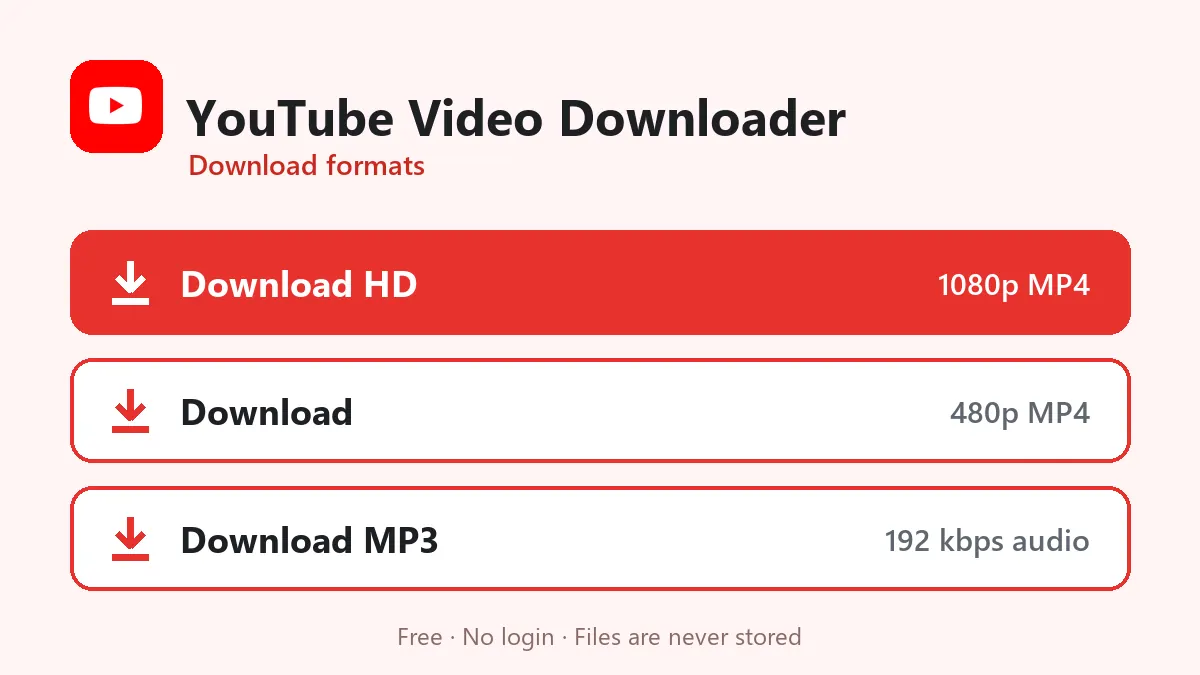
- YouTube to MP4, HD: the best choice for watching on a TV or laptop, editing, or keeping a clean copy of your own uploads.
- YouTube to MP4, normal (480p): about a quarter of the size. Good for mobile data, WhatsApp and phones with little storage.
- YouTube to MP3: sound only, at 192 kbps. Use it for songs, naats, nasheeds, Quran recitation, lectures and podcasts you want to hear with the screen off.
YouTube Shorts downloader
Shorts are normal YouTube videos in a vertical frame, so the same box works as a YouTube Shorts downloader. Copy the link from the Shorts player’s Share button and paste it here. You get the vertical MP4 in its original resolution, ready to post as a Reel or a TikTok (if it’s your own Short).
Is this YouTube video downloader safe?
It runs in your browser: no extension, no APK, nothing that asks for your Google account. Videos are streamed straight to you and never stored on our server, and the download buttons stop working after 10 minutes. Want it on your home screen? The VidMate app page installs this web downloader like an app in one tap.
When a YouTube link doesn’t work
| Message | Reason | What to do |
|---|---|---|
| Private or needs a login | Private, members-only or age-restricted video | Only public videos can be saved |
| Not a single video | You pasted a channel or playlist page | Open one video and copy its link |
| Refused for a minute | YouTube slowed our server | Wait a minute and try again |
| Live stream | The stream is still live | Download it after it ends |
| Buttons stopped working | Links expire after 10 minutes | Paste the YouTube link again |
Use YouTube downloads fairly
Download your own uploads, videos with a Creative Commons licence, or videos the creator allows you to keep for offline viewing. Re-uploading someone else’s video breaks YouTube’s rules and usually copyright law. If you enjoy a channel, watch and subscribe on YouTube too; that’s how creators get paid.
Frequently asked questions
Is this YouTube video downloader free?
Yes. There is no sign-up, no app and no daily limit. A short per-minute limit only stops automated scripts from overloading the server.
What is the best quality I can download?
1080p Full HD for videos uploaded in 1080p or higher. The YouTube video downloader picks H.264 video with AAC sound, the format every phone, TV and editor plays.
Why not 4K?
YouTube only offers 1440p and 4K in VP9 or AV1, which many phones, WhatsApp and older PCs can't play. 1080p H.264 plays everywhere, so that's what you get.
Can I download YouTube Shorts?
Yes. Paste a youtube.com/shorts/ link and the YouTube Shorts downloader saves the vertical video in up to 1080×1920.
Can I download a whole playlist or channel?
No. Paste one video at a time. A watch link copied from inside a playlist works fine; the downloader saves just that video.
How do I download YouTube videos on iPhone?
Paste the link in Safari, tap Download HD, then open Files › Downloads, tap the video and choose Share › Save Video to add it to Photos.
Which YouTube videos can't be downloaded?
Private videos, members-only videos, age-restricted videos that need a login, and live streams while they are still live. Once a live stream ends and becomes a normal video, it can be downloaded.
Do I still need the VidMate APK for YouTube?
No. YouTube now works right here in the browser. The VidMate app page lets you install this web downloader on your home screen like an app.