Our TikTok video downloader saves any public TikTok without the watermark, in HD or normal quality, or as an MP3. It works as a TikTok downloader online: no app to install and no login, on Android, iPhone and PC. Paste a tiktok.com, vm.tiktok.com or tt.site link above and you get the clean file TikTok stores on its servers.
Saving TikTok videos without the watermark
Every public TikTok exists on TikTok’s servers in several versions. The one with the moving logo is what the app’s own Save video button gives you. Next to it TikTok stores clean copies in two codecs: H.264 at around 576×1024 and H.265 (HEVC) at 720×1280 for most recent uploads. This page asks TikTok for those clean copies.
Features of this TikTok video downloader
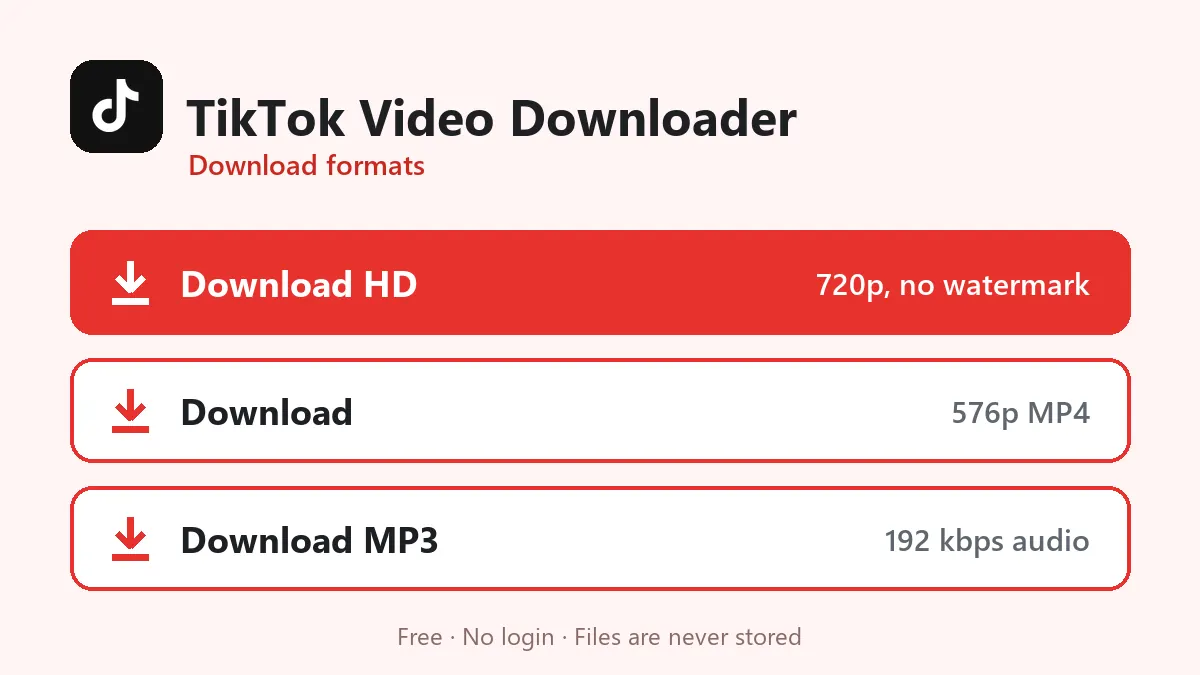
- TikTok download without watermark in two codecs: H.265 720p (HD) and H.264 576p (normal).
- TikTok to MP3: save just the sound or song of a video.
- Works with every TikTok link type, including the new
tt.siteshort links. - Accepts only TikTok links on this page, so a pasted Instagram link is pointed to the right downloader instead of failing silently.
- Fast: most TikToks are ready in two or three seconds.
Getting the right link
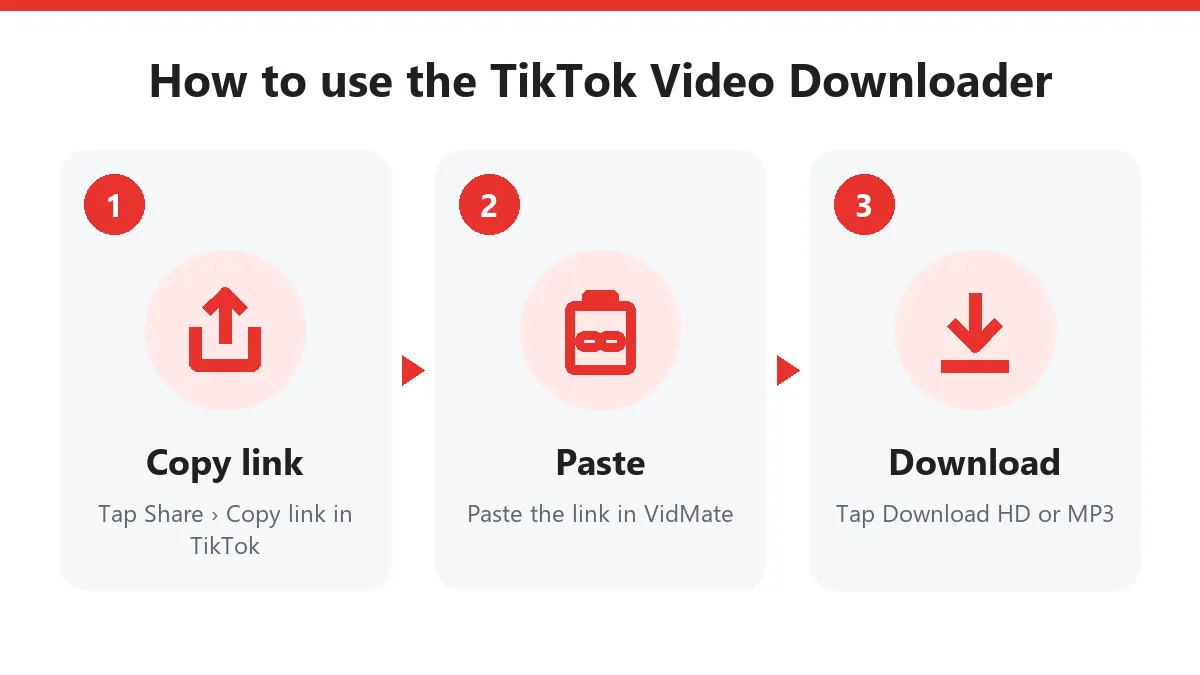
In the TikTok app, open the video, tap the arrow (Share) and choose Copy link. You will get something like https://vm.tiktok.com/ZMh3abc12/ or, on newer app versions, https://www.tt.site/t/ZN8BfDSSC/. Both are short redirect links. Paste either one; the server follows the redirect to the full tiktok.com/@user/video/… address on its own.
On a computer, copy the address from the browser bar while the video is open. Links to a profile (tiktok.com/@name) or a sound page will not work, because they do not point to one video.
HD versus normal
| Button | Usual file | Good for |
|---|---|---|
| Download HD | 720p, H.265 | Watching on phones, editing in CapCut |
| Download | 576p, H.264 | WhatsApp, older phones and PCs |
| Download MP3 | Original sound | Ringtones, keeping a song |
The HD file is often smaller in megabytes than the normal one. That is not a mistake: H.265 compresses about twice as well as H.264, so it needs fewer bytes for a sharper picture.
Common TikTok problems
- “TikTok refused the request”: TikTok sometimes rate-limits our server for a minute. Wait and try again.
- “Private, removed or region-locked”: the video can only be seen by friends, was deleted, or is blocked in the region our server runs in.
- No sound in the MP3: some videos use a muted or copyrighted sound that TikTok strips from the file.
Download only videos you are allowed to keep, such as your own posts or videos the creator permits people to save.
Download TikTok videos on Android, iPhone and PC
Android: in TikTok tap Share › Copy link, open this TikTok video downloader in Chrome, paste the link and tap Download HD. The clip appears in Gallery › Download.
iPhone: paste the link in Safari and tap Download HD. Safari keeps the file in Files › Downloads; tap it, then Share › Save Video to move it into Photos.
Windows and Mac: copy the address bar on tiktok.com, paste it here and click a button. Press Ctrl + J (or Cmd + Option + L on Mac) to open your downloads.
Is this TikTok video downloader safe?
It runs in your browser, so there’s no extension or APK to install and nothing asks for your TikTok password. Videos are streamed to you and never stored on our server. Some sites that promise to download TikTok video without watermark simply crop the frame or blur the logo; this TikTok downloader asks TikTok for the original clean upload, so the edges and captions stay exactly as the creator made them.
TikTok MP3: keep only the sound
The TikTok MP3 button converts the video’s audio to a 192 kbps MP3. People use it for trending sounds, nasheeds, Quran recitation clips and voice-overs they want to hear offline. The MP3 contains exactly what plays in the video, including any speech over the music.
Why people use a TikTok video downloader
To back up their own posts before deleting the app, to keep recipes and tutorials for offline viewing, or to share a funny clip on WhatsApp without the bouncing logo. Whatever the reason, an online TikTok video downloader is quicker than screen recording and keeps the original quality.
Frequently asked questions
Does the TikTok download have a watermark?
No. TikTok keeps a clean copy of every public video next to the watermarked one, and both HD and normal buttons fetch the clean copy.
Which is better, HD or normal?
HD is usually the 720p H.265 file, sharper and often smaller. Normal is the 576p H.264 file that plays everywhere. On an old PC or for WhatsApp, pick normal.
Can I download TikTok photo slideshows?
Not yet. Photo-only posts have no video file, so the box will tell you nothing was found.
Do short links like vm.tiktok.com work?
Yes. vm.tiktok.com, vt.tiktok.com and the newer tt.site links are all followed to the full video address automatically.
Is this TikTok video downloader free?
Yes. The TikTok video downloader is free with no sign-up and no daily limit. A short per-minute limit only stops scripts from overloading the server.
How do I download a TikTok video without watermark on iPhone?
Copy the link in TikTok, paste it here in Safari and tap Download HD. Then open Files › Downloads, tap the video and choose Share › Save Video.