One tool for every app: this social media video downloader saves videos from YouTube, TikTok, Instagram, Facebook, X and eight more platforms. Paste any public link above. The downloader recognises the site by itself and gives you HD, a smaller file, or MP3. No app, no login, no limit.
Quick answer: copy the post’s link → paste above → Download → choose HD, normal or MP3.
Supported platforms
| Platform | What you can save | Best quality |
|---|---|---|
| YouTube | Videos, Shorts | 1080p MP4, MP3 |
| TikTok | Videos without watermark | 720p |
| Reels and video posts | 1080p, with sound | |
| Videos, Reels, fb.watch | HD and SD | |
| X (Twitter) | Videos, GIFs | up to 1080p |
| Likee | Share links | 576p |
| Video Pins | 1080p | |
| Snapchat | Spotlight | Original |
| Dailymotion | Videos, dai.ly | 1080p |
| Twitch | Clips | 1080p60 |
| SoundCloud | Tracks | MP3 |
| Public post videos | Original | |
| Bluesky | Video posts | 1080p |
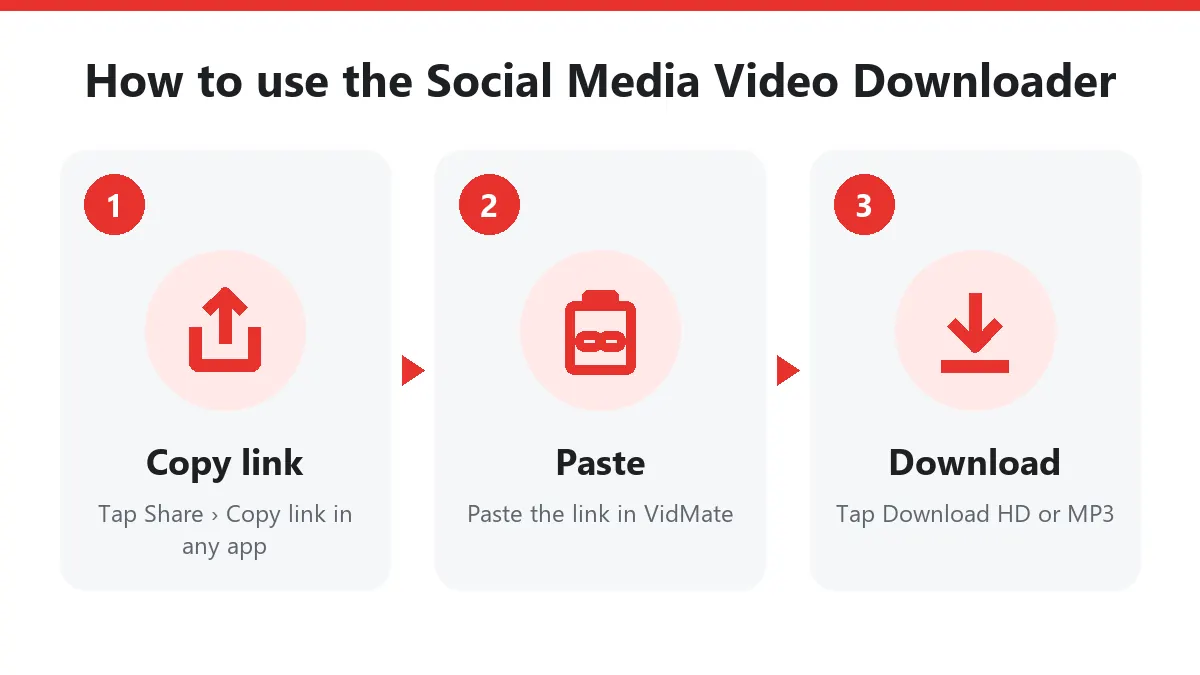
How the social media video downloader works
- Copy the link from the app’s Share menu (Copy link), or from the browser’s address bar.
- Paste it in the box above. You don’t need to choose the platform; the link tells the server which site it is.
- Download. The server reads the public post, finds the best file the platform stores and streams it to you. For YouTube and Instagram, which keep picture and sound separately, it merges them into one MP4.
Why one downloader for every app?
Most people use five or six apps a day, and each has its own rules for saving videos (or none at all). Bookmarking one social media video downloader saves you from installing a separate app for each platform, from watermarks, and from shady APKs. It also works the same on Android, iPhone and PC.
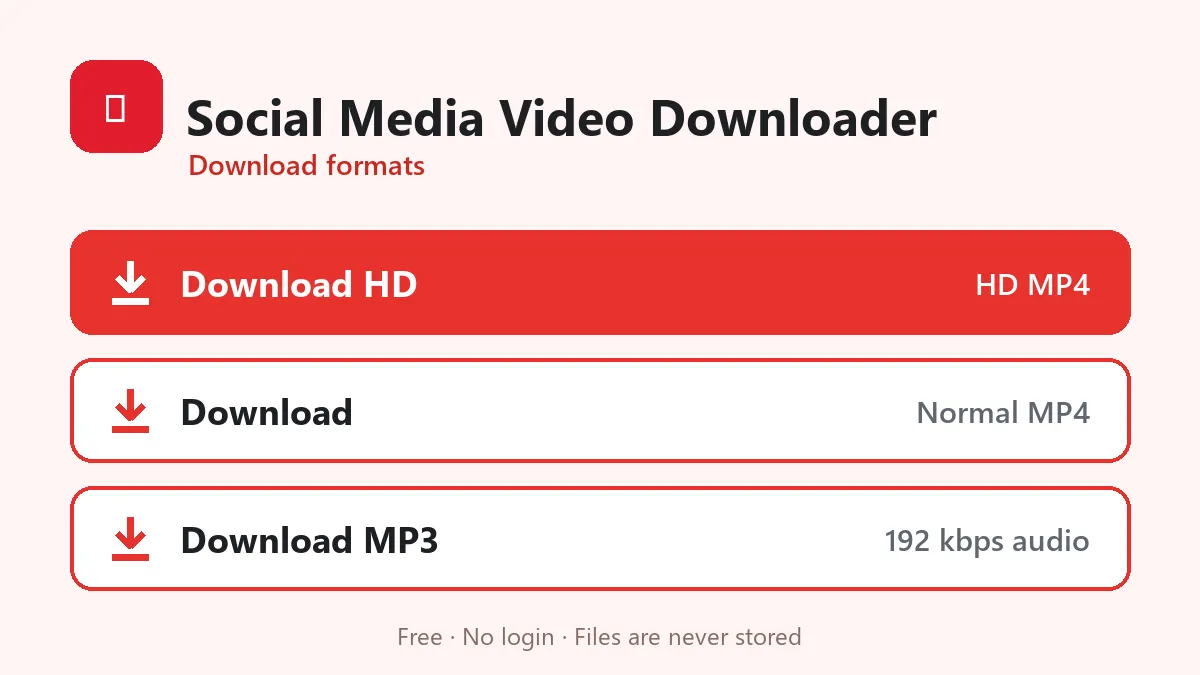
Formats explained
- Download HD: the largest version the platform keeps. Nothing is upscaled.
- Download: a lighter MP4, around 480p, for WhatsApp and mobile data.
- Download MP3: only the sound at 192 kbps, for songs, lectures and podcasts.
Privacy
No account, no tracking cookies, no download history. Videos stream from the platform to you and are never stored. The link you paste is kept in memory for 10 minutes so the buttons work, then it’s gone.
Platform guides
Each platform has its own page with link formats and fixes: YouTube, TikTok, Instagram, Facebook, X and more in the menu.
Use downloads responsibly
Save your own posts, videos you have permission to keep, and content for personal offline viewing. Don’t re-upload other people’s videos as your own.
Frequently asked questions
Which sites does the social media video downloader support?
YouTube, TikTok, Instagram, Facebook, X (Twitter), Likee, Pinterest, Snapchat, Dailymotion, Twitch, SoundCloud, LinkedIn and Bluesky.
Do I have to pick the site first?
No. Paste any supported link; the downloader recognises the platform by itself.
Is it free?
Yes. No sign-up, no app and no daily limit.
Can I download private posts?
No. Only public posts that open without logging in can be downloaded from any platform.
Does it work on iPhone?
Yes. Safari saves to Files › Downloads; use Share › Save Video to move videos to Photos.