Use this Instagram Reels downloader to save Reels and video posts from public Instagram accounts in full quality, with sound. It is a free Instagram video downloader that runs in your browser: paste the Reel link, and the server joins Instagram’s separate picture and audio streams into one normal MP4.
Reels and video posts from public accounts
Paste the link of a Reel (instagram.com/reel/…) or a video post (instagram.com/p/…). The account has to be public; private profiles, Stories, close-friends content and DMs cannot be fetched without logging in, and this site never asks for your password.
Features of this Instagram Reels downloader
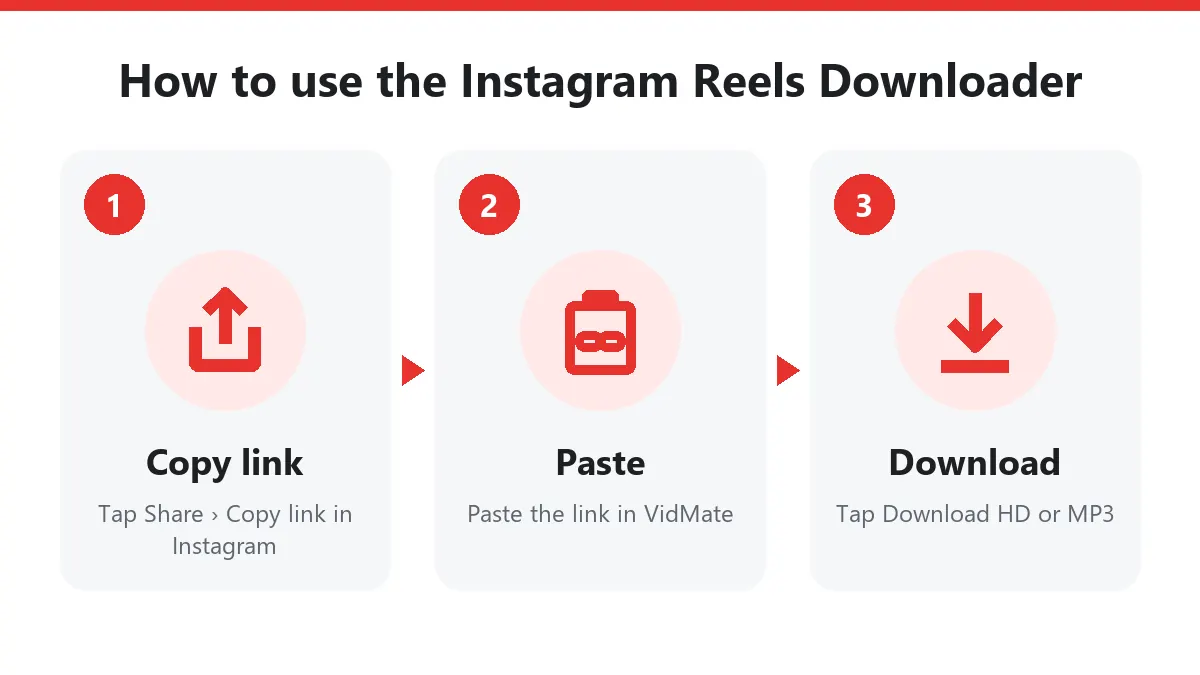
- Instagram Reel download in 1080p for recent Reels.
- Sound included: picture and audio are merged, so you don’t get a silent file.
- Instagram to MP3 for the Reel’s soundtrack.
- Video posts and carousels whose first slide is a video.
- No Instagram login needed and none is ever asked for.
Why Instagram files need joining
Instagram’s apps play Reels with DASH, which means picture and sound are separate files that the player combines. A plain download of the picture file would be silent. Our server takes the best picture stream (up to 1080×1920 for recent Reels) and the sound stream and copies both into a single MP4. Nothing is re-compressed, so the quality is exactly what Instagram stores.
In our tests, current Reels come out at 1080p with AAC sound. Older posts from before 2020 are often 640×640 and sometimes have no audio at all.
Copying the link
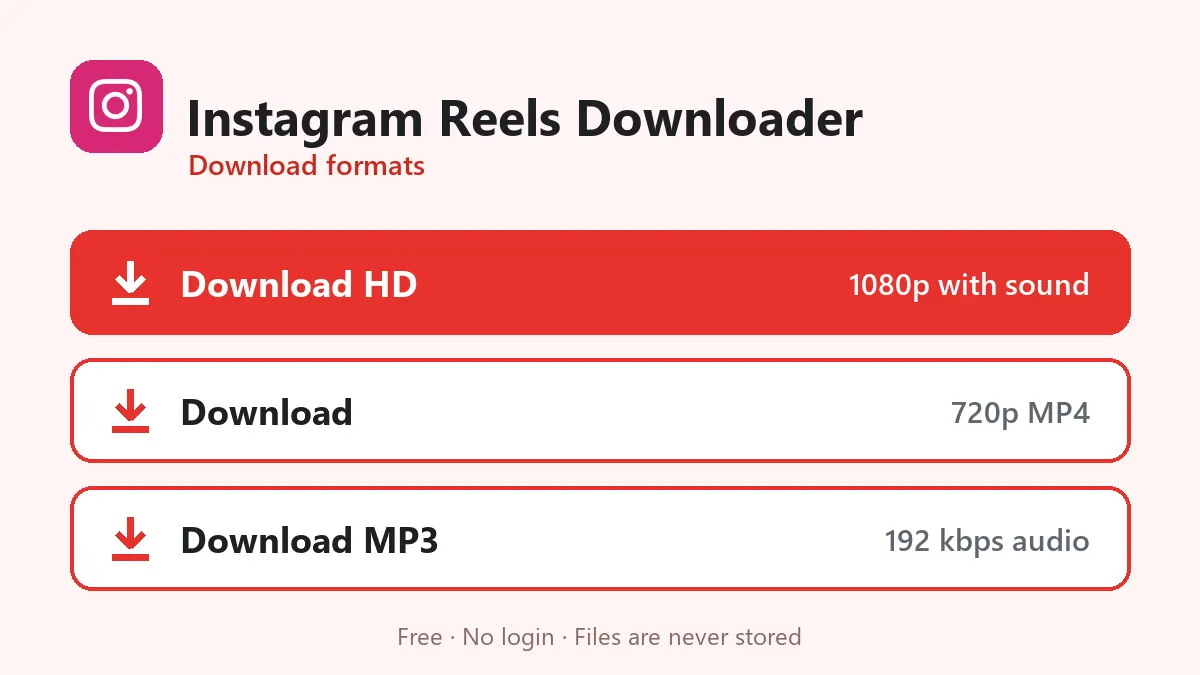
- In the Instagram app, open the Reel.
- Tap the paper-plane icon (Share).
- Choose Copy link. The link looks like
https://www.instagram.com/reel/DewxhTugF2T/?igsh=…; the part after?can stay.
In a desktop browser, open the Reel and copy the address bar. Links to a profile (instagram.com/username) do not work.
Carousel posts
A post with several slides is a carousel. If the first slide is a video, that video downloads. Photos are skipped because this tool saves video and audio only.
Tips
- A Reel that plays fine in the app but fails here is usually from a private account, or from an account that limits who can see it by age or country.
- If you only need the song, use Download MP3; it saves the Reel’s soundtrack at 192 kbps.
Save Reels for personal use and respect the creator’s rights.
Download Instagram Reels on Android, iPhone and PC
- In Instagram tap the paper plane under the Reel and choose Copy link.
- Open this Instagram Reels downloader in Chrome or Safari and paste the link.
- Tap Download HD to download Reels as a 1080p MP4.
- On iPhone, open Files › Downloads and tap Share › Save Video to put the Reel in Photos.
On a computer, open the Reel on instagram.com, copy the address bar and paste it here.
Reels with sound, not silent clips
Many tools fail to download Instagram Reels with sound because they grab only the video stream. This Instagram Reels downloader joins the best video stream and the audio stream into one file without re-encoding, so you get Reels with sound in Instagram’s original quality. You can also save only the audio as MP3.
An Instagram video downloader for posts too
Besides Reels, the page works as an Instagram video downloader for normal video posts. Paste a instagram.com/p/… link and download it the same way. Stories and Highlights need a logged-in account, so they aren’t supported.
Safe and private
There’s no login, no extension and no app. The account owner isn’t notified, and we don’t keep a copy of any Reel. Use the Instagram Reels downloader for your own content or Reels you have permission to keep.
Frequently asked questions
Can I download Instagram Stories?
Not on the web. Instagram only shows Stories to logged-in users, and this site never asks for your Instagram login.
Why do Reels take a second longer than TikTok?
Instagram stores the picture and the sound of a Reel as two separate streams. The server joins them into one MP4 while it sends it to you, which adds a moment at the start.
Does the downloaded Reel keep the music?
Yes, as long as the music is part of the Reel's own sound track. Reels whose music was muted by Instagram will be silent.
Can I download every post from a profile at once?
No. Paste one Reel or post link at a time.
Does the Instagram Reels downloader keep the sound?
Yes. Instagram stores picture and sound separately, and this Instagram Reels downloader merges them into one MP4, so Reels play with audio.
Can I download Instagram videos that are not Reels?
Yes. Video posts with /p/ links work too, as long as the account is public. The Instagram video downloader takes the first video of a carousel.