This Snapchat video downloader saves public Snapchat Spotlight videos. Paste the Spotlight link and the Snapchat Spotlight downloader gives you the MP4 file and, if you want, the sound as MP3. Private snaps and friends’ stories are never accessible.
Public Spotlight videos only
Snapchat has two very different kinds of video. Snaps and private Stories are end-to-end app content that only the recipients can see; no website can download them. Spotlight is Snapchat’s public short-video feed, similar to TikTok, and every Spotlight video has its own web page. Those pages are what this downloader reads.
Features of this Snapchat video downloader
- Snapchat Spotlight download in the quality the creator recorded.
- No notification to the creator: only the public page is read.
- MP3 option for Spotlight sounds.
- Works on Android, iPhone and PC browsers.
Finding the Spotlight link
- Open the Spotlight video in Snapchat.
- Tap the Share arrow (or press and hold the video).
- Choose Copy Link.
The link looks like https://www.snapchat.com/spotlight/W7_EDlXWTBiXAEEni…. Some versions of the app give a shortened t.snapchat.com link; if that fails, open it in your browser first and copy the full snapchat.com/spotlight/… address it lands on.
What you get
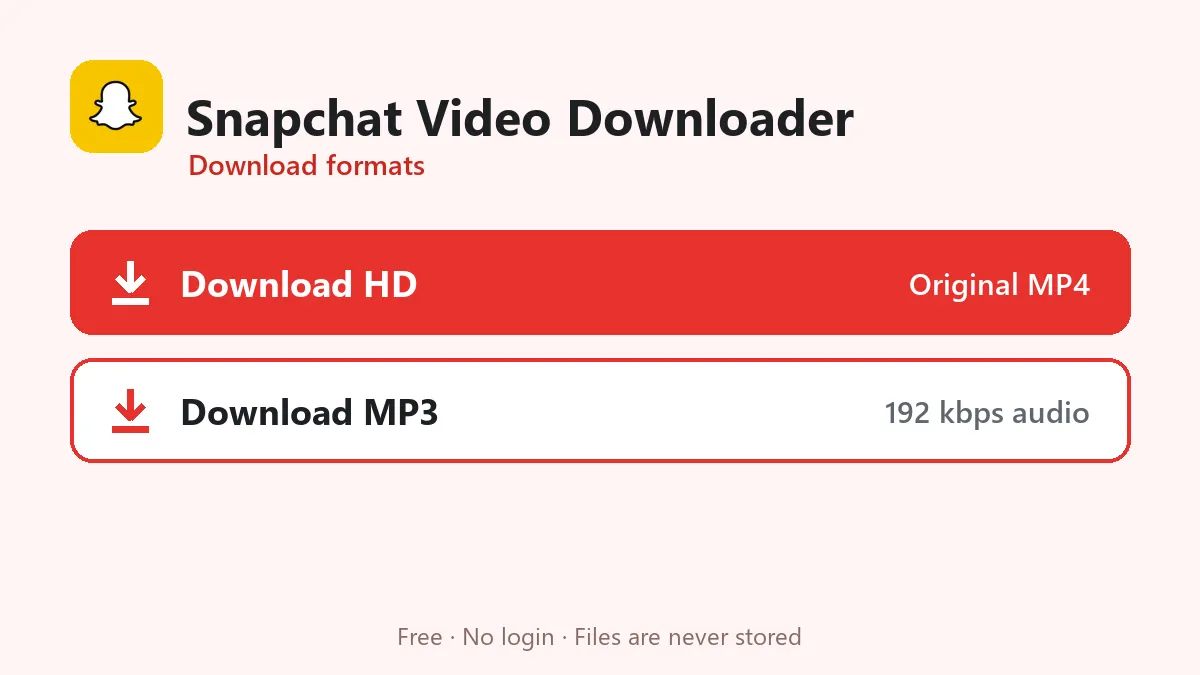
The Spotlight page lists one MP4 file, usually in the resolution the creator recorded (often 1080×1920 for recent phones). Download HD saves that file; Download MP3 keeps only the sound.
Public profile stories
Creators with a public profile can post public Stories. Those are listed on the profile page rather than at their own address, and they are not supported yet.
Spotlight videos belong to their creators; download them for personal use only.
Download Snapchat Spotlight videos step by step
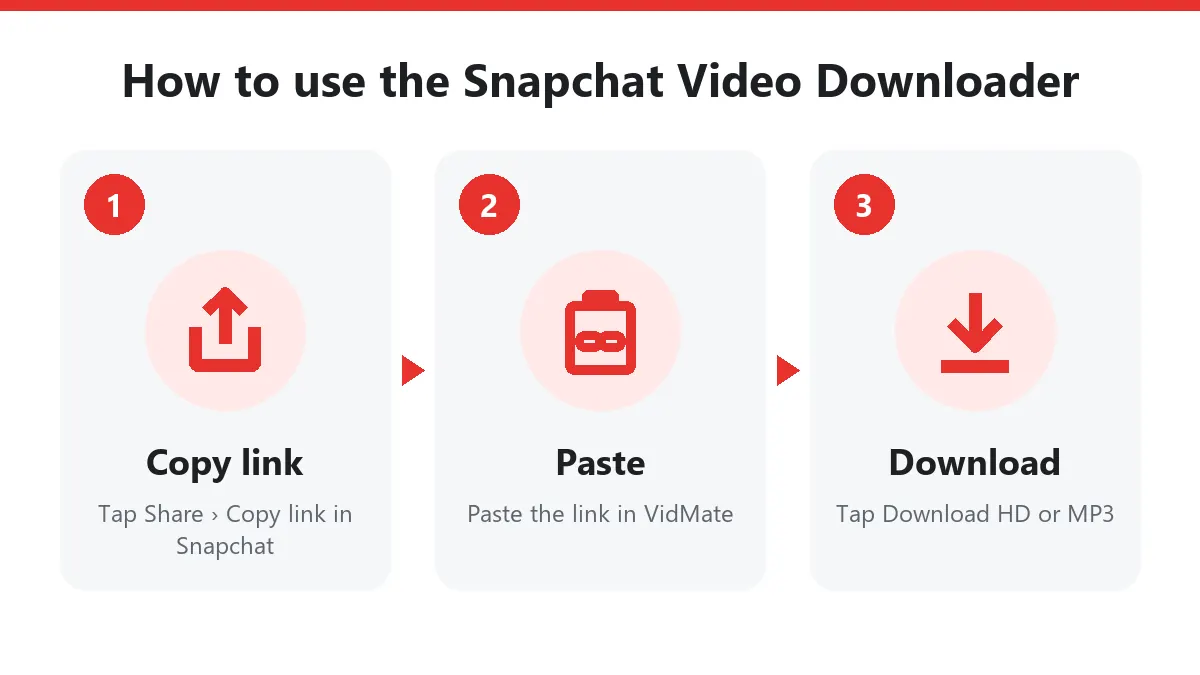
- Open the Spotlight in Snapchat and tap Share › Copy link.
- Paste the link into this Snapchat video downloader.
- Tap Download to save the Snapchat MP4, or Download MP3 for the sound.
On iPhone the file goes to Files › Downloads; use Share › Save Video to move it to Photos. On a computer, open the Spotlight video on snapchat.com and copy the address bar.
What the Snapchat downloader can save
| Content | Supported |
|---|---|
| Spotlight video | Yes |
| Public creator Story | Yes, the video currently shown |
| Private Snap or chat | No |
| Memories | No, use Snapchat’s own export |
Why download Snapchat videos?
Creators back up Spotlights before switching phones, businesses keep a copy of a clip that went viral, and friends share funny moments with people who don’t use Snapchat. A Snapchat video downloader makes each of these a two-step job: copy the link, press download.
The Snapchat downloader never stores videos and never asks for your login. Credit the creator when you share their Spotlight.
Frequently asked questions
Can I download my friends' private Snapchat stories?
No. Private stories and snaps are only visible inside the app to the people they were sent to. Only public Spotlight videos can be downloaded.
Does the person get notified?
No notification is sent, because the downloader only reads the public Spotlight page, the same page anyone can open in a browser.
Why is there no HD option for some Spotlight videos?
Snapchat often keeps only one size of a Spotlight video, so the single button gives you exactly that file.
Is the Snapchat video downloader anonymous?
Yes. The Snapchat video downloader reads the public Spotlight page; the creator isn't notified and you don't need a Snapchat account.
Can I download Snapchat Stories from friends?
No. Friends-only Stories and private Snaps never appear on the web. Only public Spotlight videos and public creator Stories can be downloaded.