This Twitch clip downloader saves Twitch clips in source quality, usually 1080p at 60 fps. Paste a clips.twitch.tv or twitch.tv/…/clip/… link and the Twitch clips download is ready in a few seconds.
Saving Twitch clips
A Twitch clip is a short piece (up to 60 seconds) cut from a live stream by a viewer or the streamer. Each clip has its own address and is stored as ready-made MP4 files in several qualities, which makes clips quick to download.
Features of this Twitch clip downloader
- Download Twitch clips in 1080p60 when the stream was 1080p.
- Both clip link formats supported.
- Twitch clip to MP3 for voice moments.
- No Twitch account needed.
Links that work
https://clips.twitch.tv/FaintLightGullWholeWheathttps://www.twitch.tv/channelname/clip/FaintLightGullWholeWheat
Channel pages, VODs (twitch.tv/videos/…) and live streams are not clips and will be rejected.
Copying a clip link
On the clip page, click Share under the player and then Copy. In the Twitch app, open the clip from the channel’s Clips tab, tap Share › Copy link.
Quality
| Button | What you get |
|---|---|
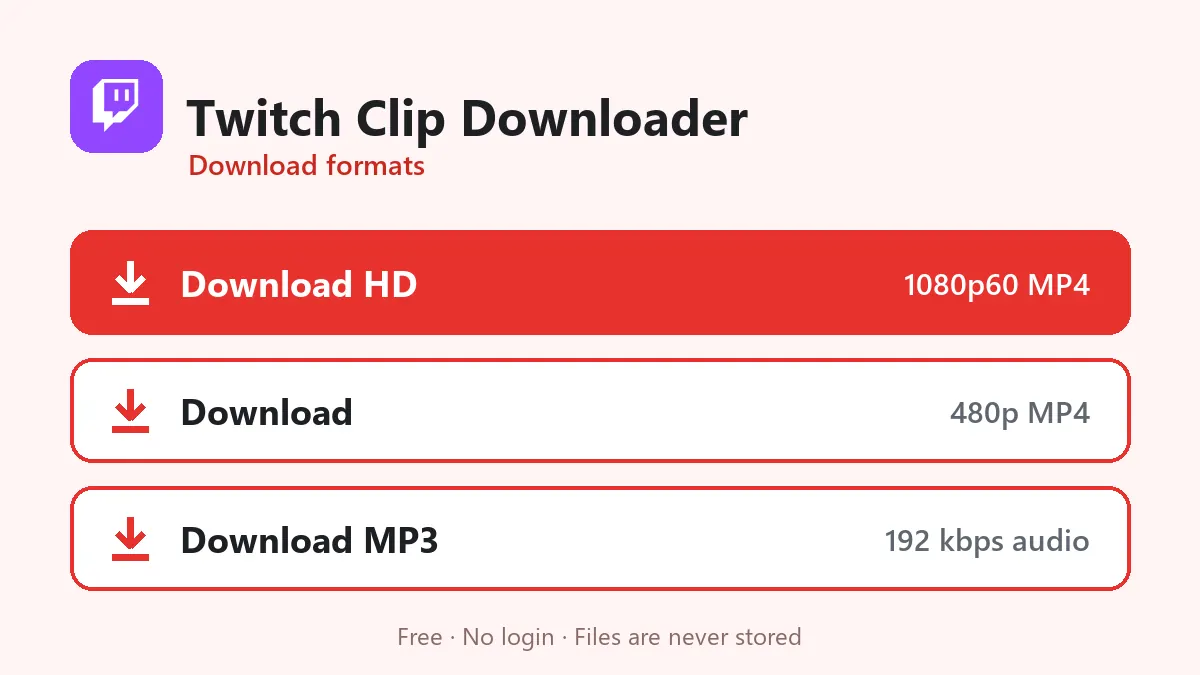
| Download HD | The source quality, usually 1080p60 |
| Download MP3 | The clip’s audio, handy for funny voice moments |
Clips cut from a 720p stream will of course top out at 720p.
Clips and copyright
Twitch mutes parts of past broadcasts that contain copyrighted music, and clips cut from those parts are silent too. A silent clip will download fine, but the MP3 option will tell you there is no sound. Remember that clips belong to the streamer; credit them when you share.
Download Twitch clips in three steps
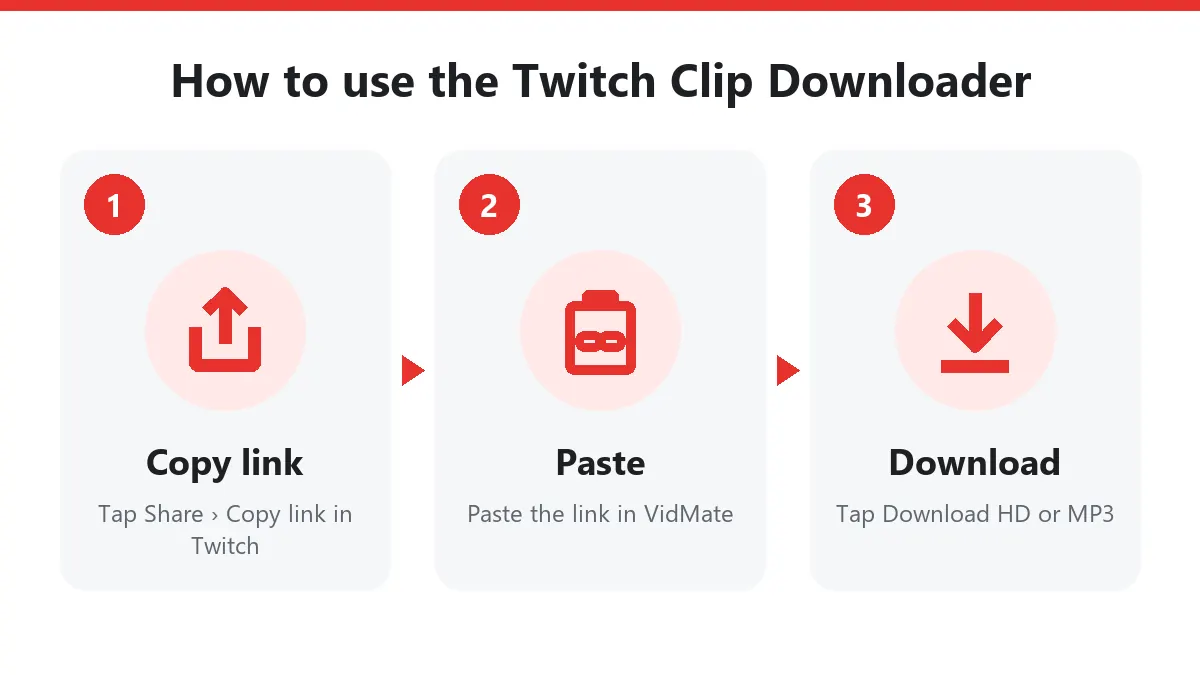
- Under the clip click Share › Copy link, or copy the address bar.
- Paste the link into this Twitch clip downloader.
- Click Download HD to save Twitch clips at the stream’s quality.
Clip links shared on Discord or X work exactly the same way.
Twitch clip MP4 at 60 fps
Twitch clips keep the frame rate of the broadcast, so gaming moments stay smooth. The Twitch clip downloader returns a standard Twitch clip MP4 that plays in any editor, which is perfect for cutting highlights for TikTok, Reels and YouTube Shorts.
Who uses a Twitch downloader?
- Streamers who download Twitch clips of their best moments to post on other platforms.
- Editors who build highlight videos with the streamer’s permission.
- Viewers who want to keep a funny moment before it gets deleted.
No account needed
This Twitch downloader doesn’t need a Twitch login or a browser extension. It works on Android, iPhone and PC, and it never stores the Twitch clips you download. Credit the channel when you share a clip.
Frequently asked questions
Can I download full Twitch streams (VODs)?
No, only clips. Past broadcasts are hours long and many are only available to subscribers, so they are not supported here.
Do clips from twitch.tv/name/clip/ links work?
Yes. Both clips.twitch.tv/… and twitch.tv/channel/clip/… point to the same clip.
What quality are Twitch clips?
Clips keep the quality of the stream they were cut from, usually 1080p at 60 or 30 frames per second, with lower versions alongside.
Can I download Twitch VODs with the Twitch clip downloader?
No. The Twitch clip downloader supports clips only. To save part of a VOD, create a clip of it on Twitch first and paste the clip link.
What quality do Twitch clip downloads have?
The same as the stream, often 1080p at 60 fps. Download HD gives the top version as a Twitch clip MP4.