Our Likee video downloader saves Likee clips from share links, even though the Likee website no longer shows videos. Paste an l.likee.video/v/ link and this Likee downloader reads the clip’s page and gives you the original MP4 or the sound as MP3.
How Likee downloading works now
Likee used to show a full video feed on likee.video. That feed is gone: the website is now just an advert for the app. What still works are share links. When you share a clip from the app you get an address like https://l.likee.video/v/6k9C2z. That address redirects to a small page that contains the clip’s details, including the direct MP4 file, the creator’s name, the caption and the cover image. Our downloader reads that page for you.
Because the clip is a single ready-made MP4 file, there is no joining or converting. The file you get is byte-for-byte what Likee stores.
Features of this Likee video downloader
- Works with Likee share links, the only links that still open a video.
- Original MP4 file, usually 576×1024.
- Likee to MP3 for the clip’s music.
- Shows the creator name and caption before you download, so you know it’s the right clip.
Getting the share link
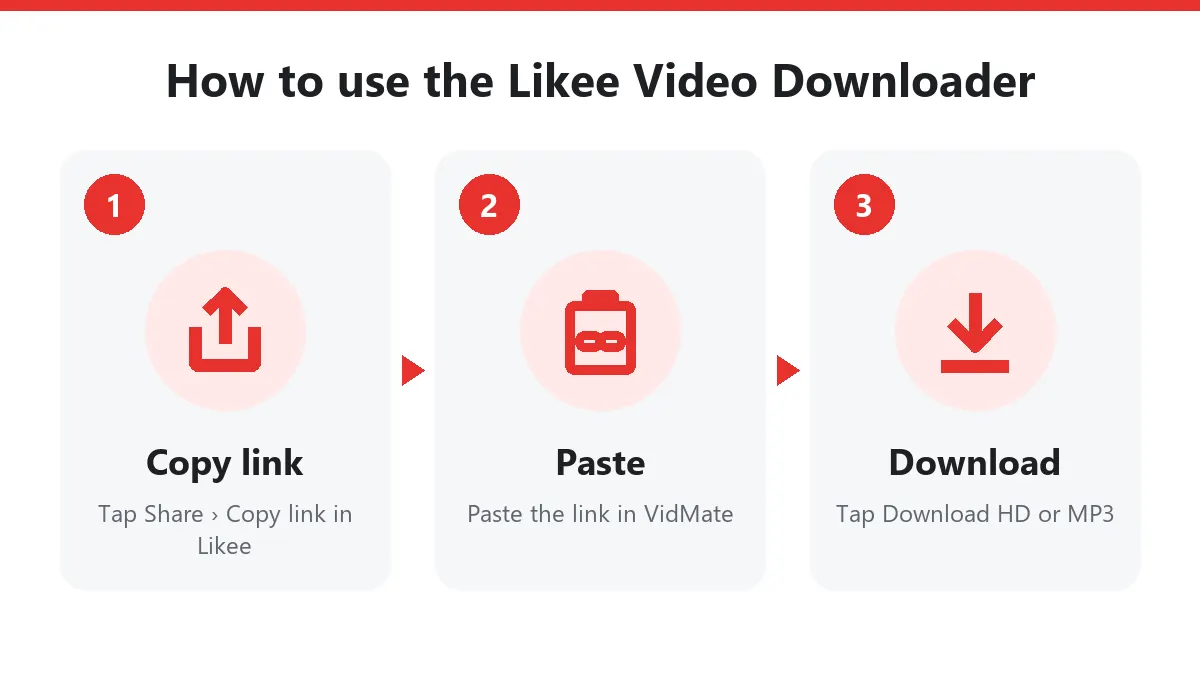
- Open the clip in the Likee app.
- Tap the Share arrow on the right side.
- Choose Copy link (on some versions it is under More).
- Paste it into the box above and press Download.
Links to a profile (likee.video/@name) do not point to a single clip and will be rejected.
What you get
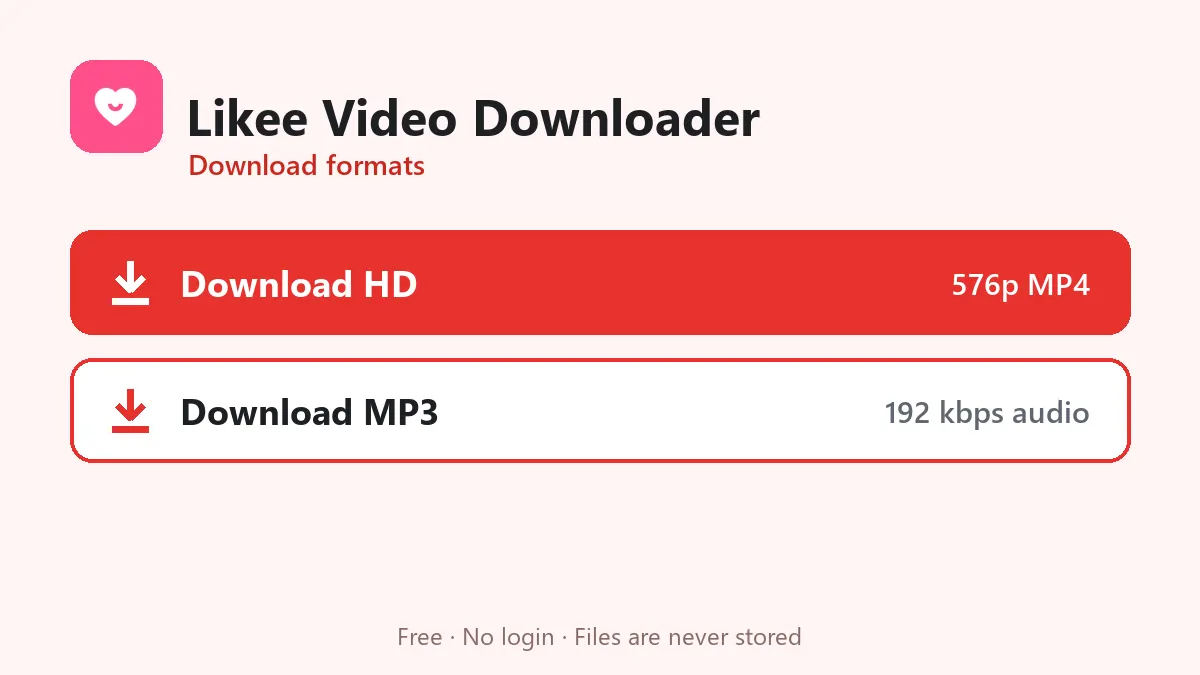
| Button | Result |
|---|---|
| Download HD | The MP4 file Likee stores, usually 576×1024 |
| Download MP3 | The clip’s soundtrack converted to 192 kbps MP3 |
Likee rarely keeps more than one size of a clip, so there is usually no separate normal-quality button.
Common errors
- “Private, removed or not available in your region”: the share page redirected to the app store instead of a clip. That happens with deleted clips, private accounts and region-locked videos.
- “We couldn’t read this Likee link”: you probably copied a profile or hashtag link. Use Share › Copy link on the clip itself.
Likee clips belong to their creators. Download for personal viewing only.
Download Likee videos from a share link
Likee’s website no longer has a feed, so the Likee share link is the key. In the app tap Share › Copy link to get something like l.likee.video/v/6k9C2z, paste it into this Likee video downloader and tap Download. You can copy the link on your phone and download on a laptop; the Likee app doesn’t need to be installed where you download.
Likee video downloader on Android, iPhone and PC
- Android: paste the link in Chrome and download; the MP4 goes to Files › Downloads.
- iPhone: download in Safari, then Files › Downloads › Share › Save Video.
- PC: paste the link from WhatsApp Web or any chat and click Download.
Likee without watermark?
The Likee video downloader returns the same file Likee’s web player streams. Whether that copy carries a Likee logo depends on the video; we never add a watermark or blur anything. For many clips this is the cleanest Likee without watermark copy available on the web.
Likee MP3
Songs, duets and dubbed comedy clips are the heart of Likee. Use Likee MP3 to keep only the sound for ringtones or offline listening.
Like every downloader on this site, the Likee downloader stores nothing and needs no login.
Frequently asked questions
Why can't I find videos on the Likee website?
Likee turned its website into a landing page for the app. Videos are only reachable through share links that start with l.likee.video/v/, which still open a playable page.
What quality are Likee downloads?
Likee serves most clips as 576×1024 MP4 files, which is what you receive.
The link says 'not available in your region'. What now?
Likee limits some videos to certain countries. If the clip is blocked in the region our server runs in, it cannot be downloaded from here.
Can I download a whole Likee profile?
No, one video per link.
Is the Likee video downloader free?
Yes. You can download Likee videos free, without the Likee app and without signing in.
Can I save Likee audio as MP3?
Yes. The Likee MP3 button saves just the sound of the clip at 192 kbps.